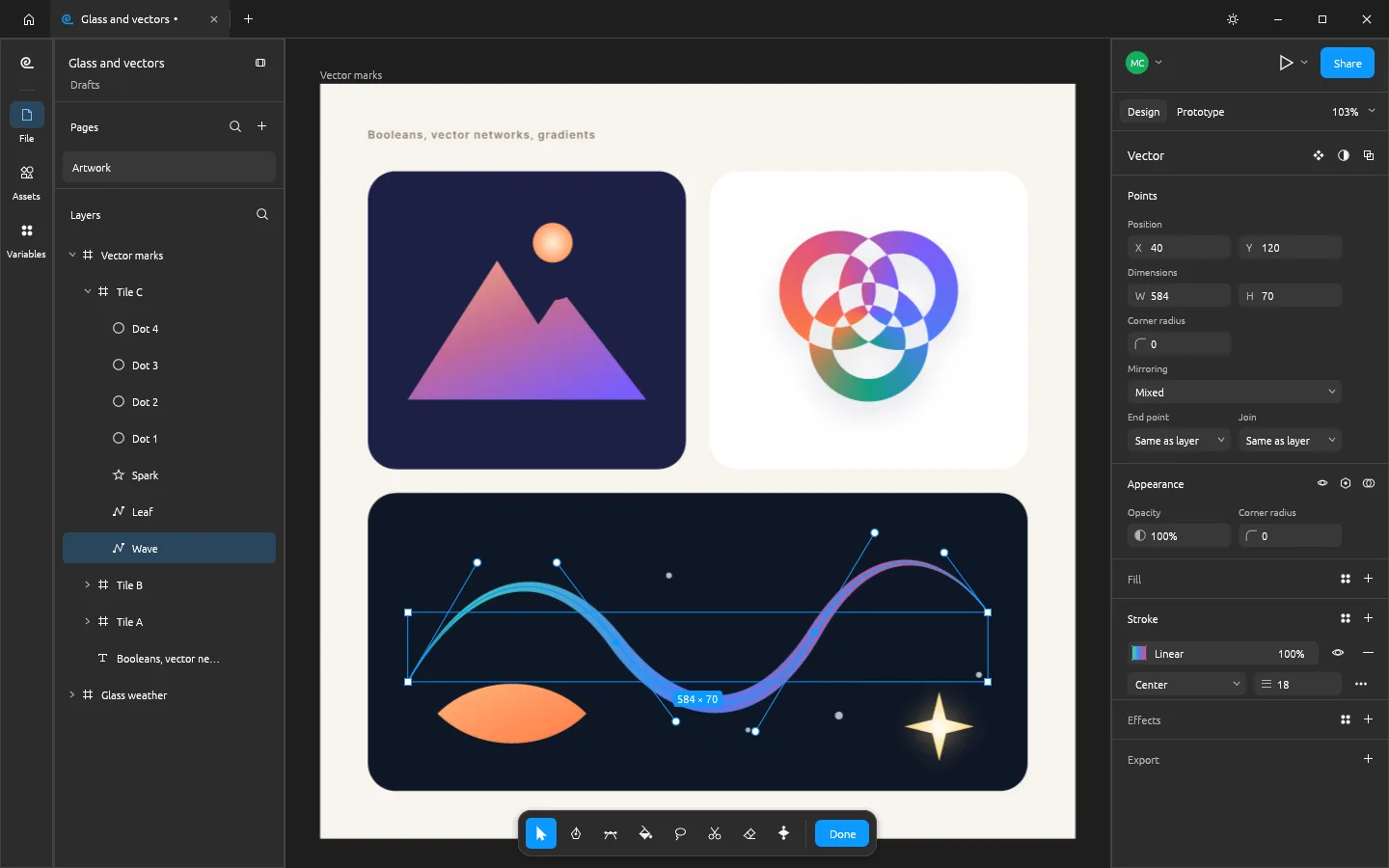
What you can do with FigCraft
- Build screens with frames, basic shapes and editable text.
- Work with layout and prototype tools in the native editor.
- Download and reopen native .figcraft designs, or import supported SVG and images.
FigCraft FAQ
What is FigCraft?
FigCraft is an online UI design and prototyping tool for building screens with frames, shapes, and text. You can preview supported interactions and save a native design file.
Can I design and prototype an app flow with FigCraft?
Yes. Create a frame for each screen, arrange the interface elements, and preview the supported transitions or interactions between screens.
When should I choose FigCraft as my online UI design and prototyping tool?
Choose FigCraft for browser-based screen design when you want to keep a downloadable, editable .figcraft file. Check the desktop edition if your workflow depends on importing existing .fig projects.
How do I get started with FigCraft online?
Open the FigCraft editor in your browser. Start on the canvas or use Open / Import for a supported file. Arrange the frames and content, then review the layout and prototype behavior.
Which design files can I open in FigCraft online?
The browser build reopens native .figcraft designs and imports supported SVG and image assets. Direct .fig import may require the desktop edition.
Can FigCraft AI edit frames and layers?
Yes, for supported actions such as changing plain text, solid fills, or positions and creating basic nodes. Component and auto-layout rules can restrict changes.
Is FigCraft free on EasyRunCraft?
Yes. You can use FigCraft for manual editing on EasyRunCraft without creating an account. For optional AI features, use shared credits.
How do I download and reopen my FigCraft design?
Choose Download design to save a native .figcraft copy. Use Open / Import to reopen it in the browser editor.
