What is EasyRunCraft?
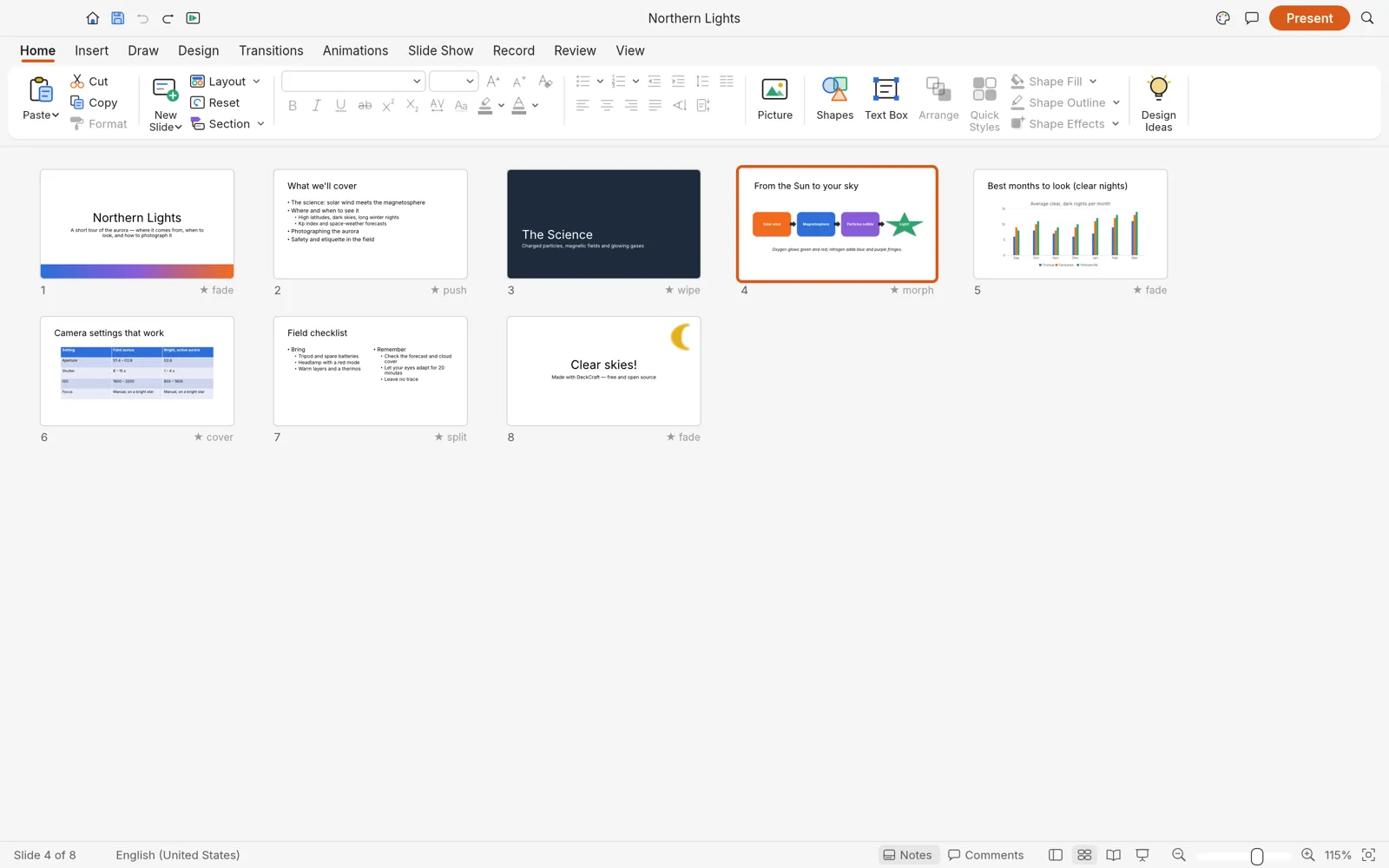
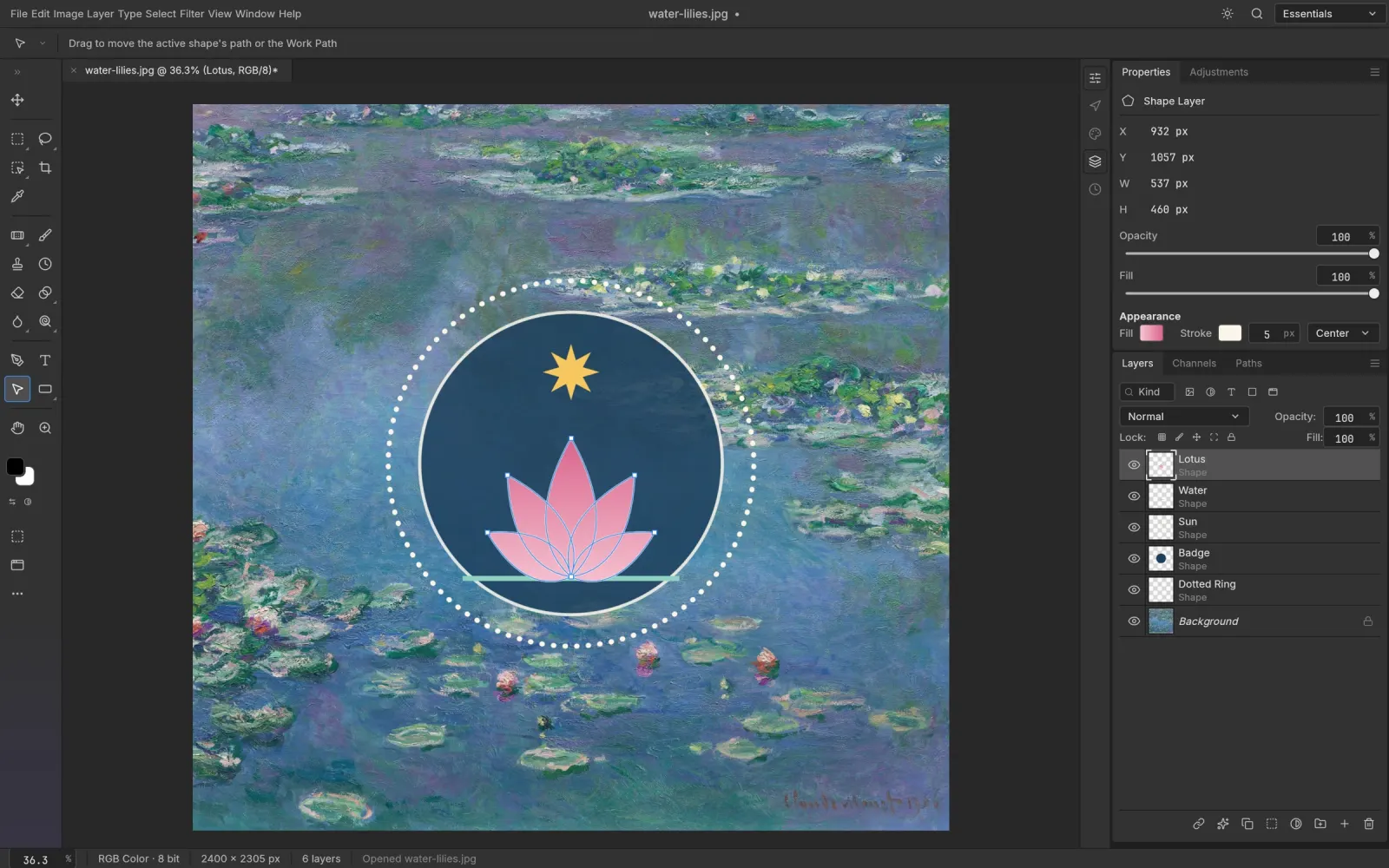
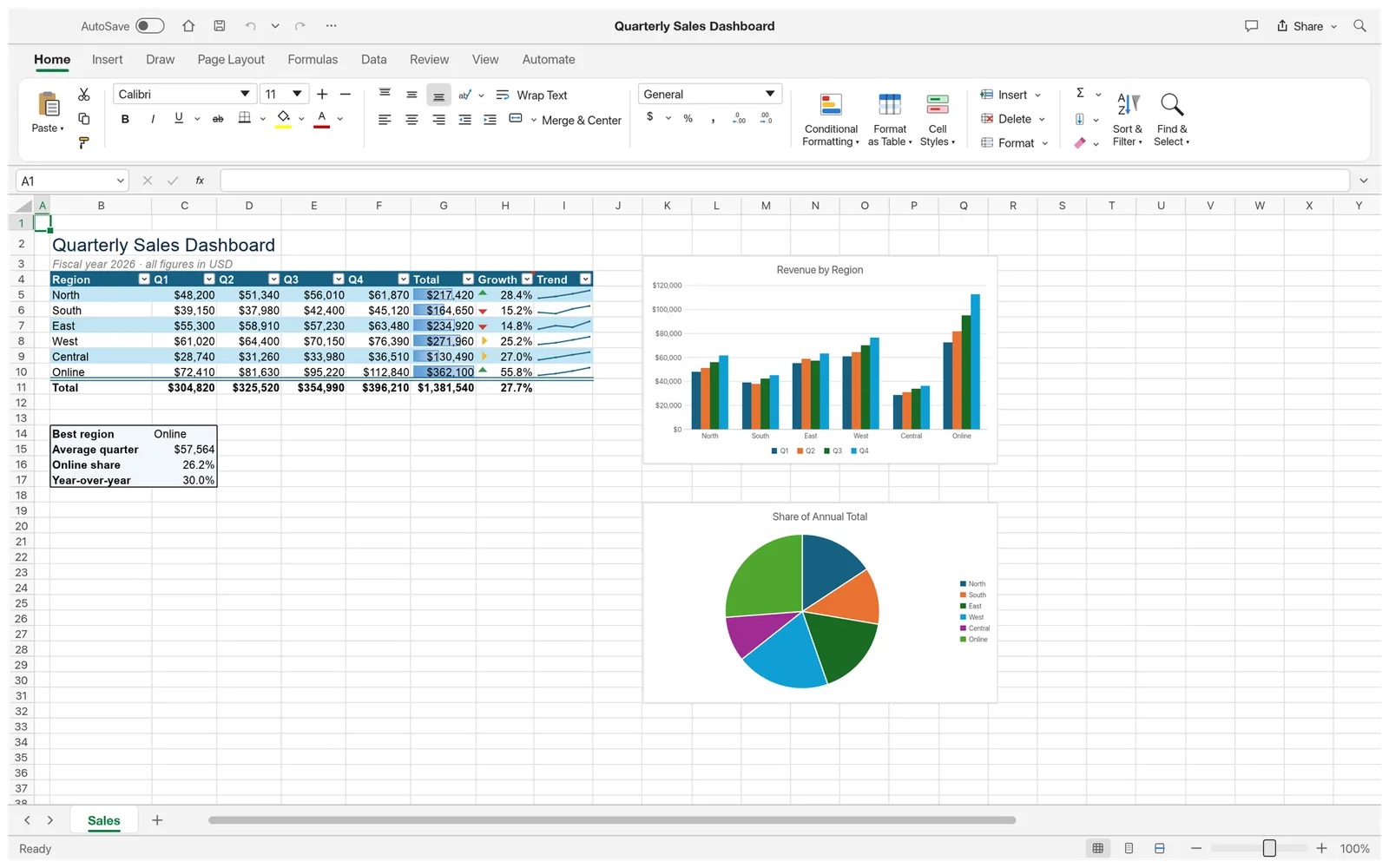
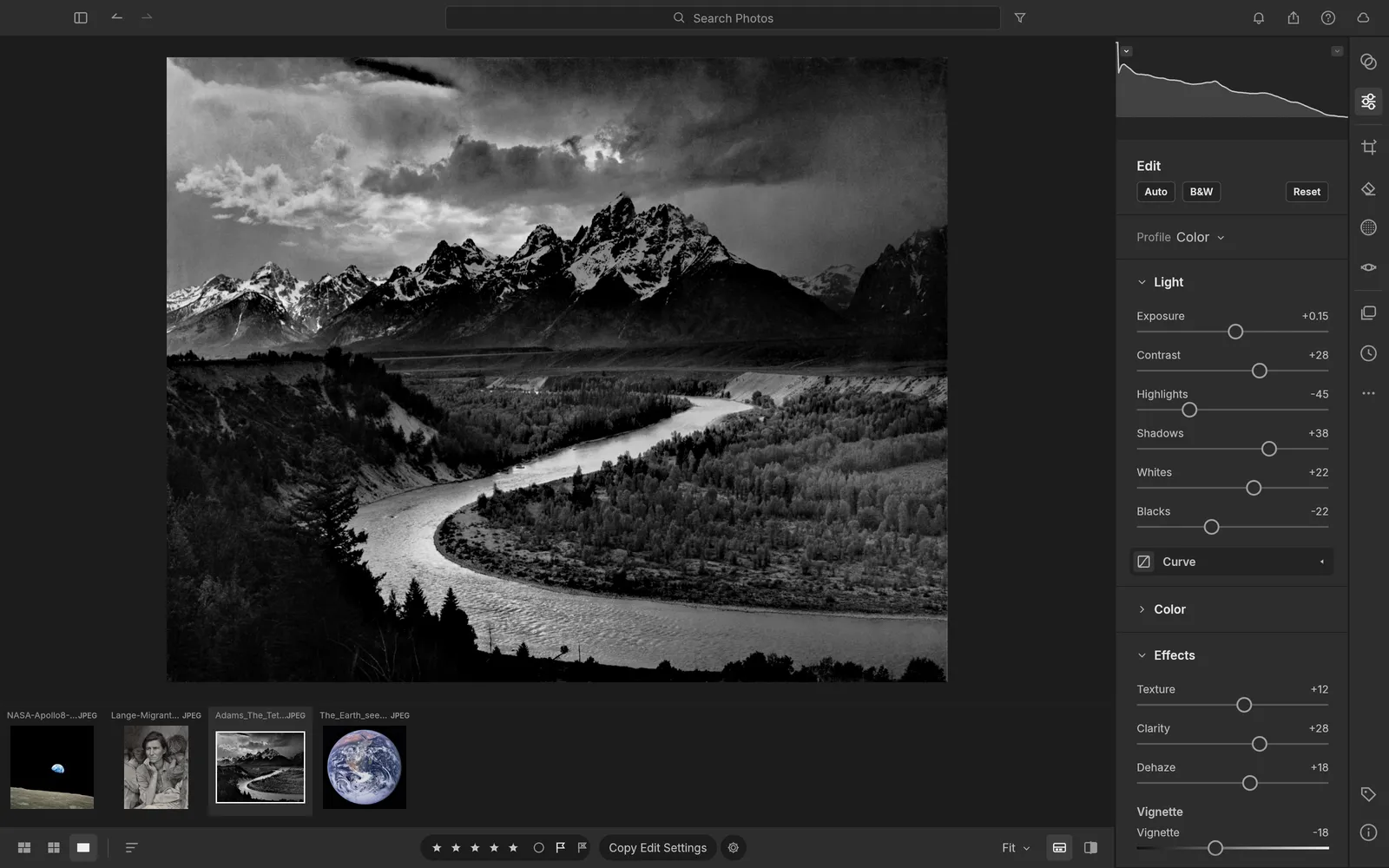
EasyRunCraft is an online office and creative suite with 13 open-source editors. You can edit files in your browser, ask the built-in AI to make supported changes, or connect your own AI Agent through MCP.
Which tools are included in the EasyRunCraft online office and creative suite?
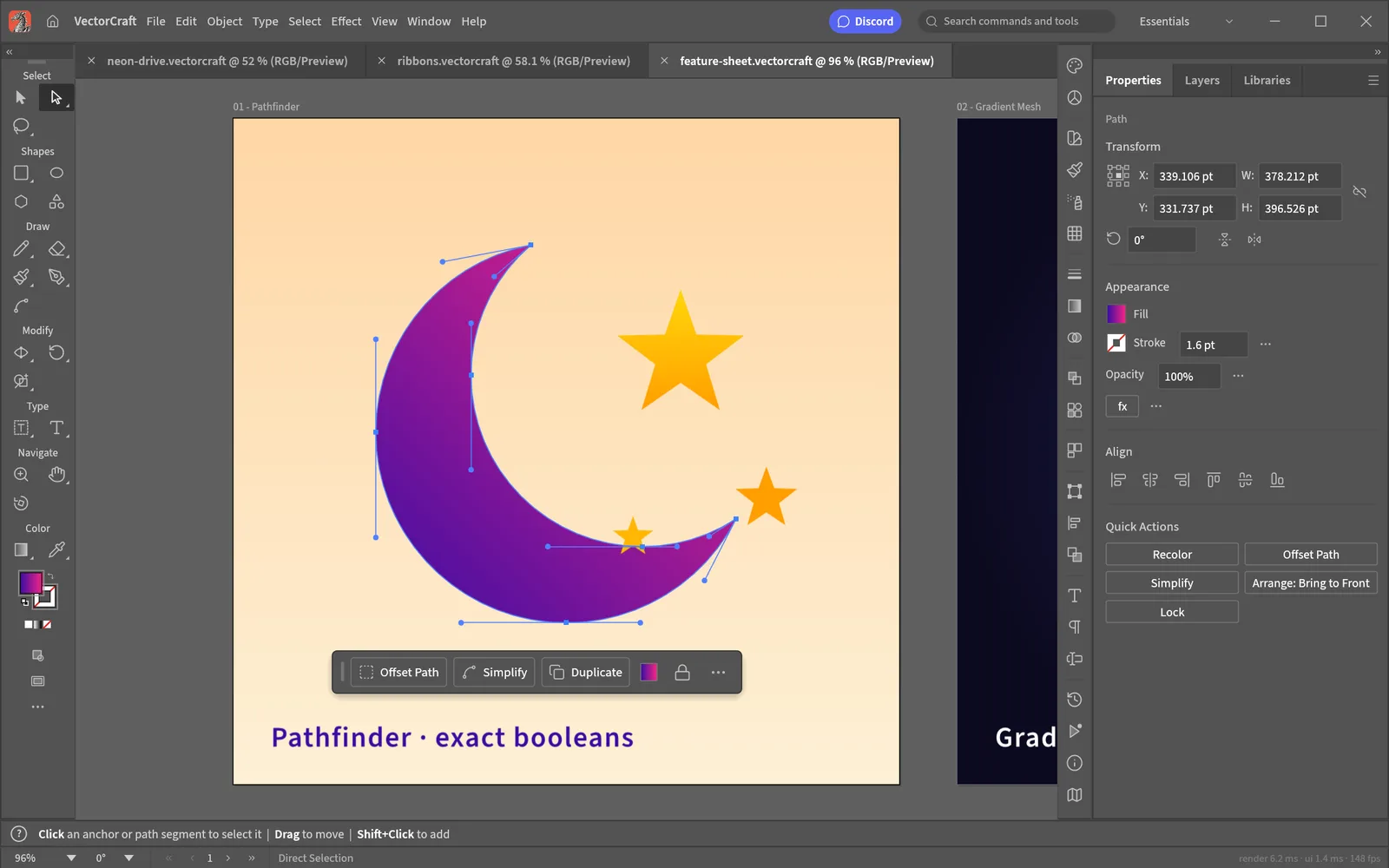
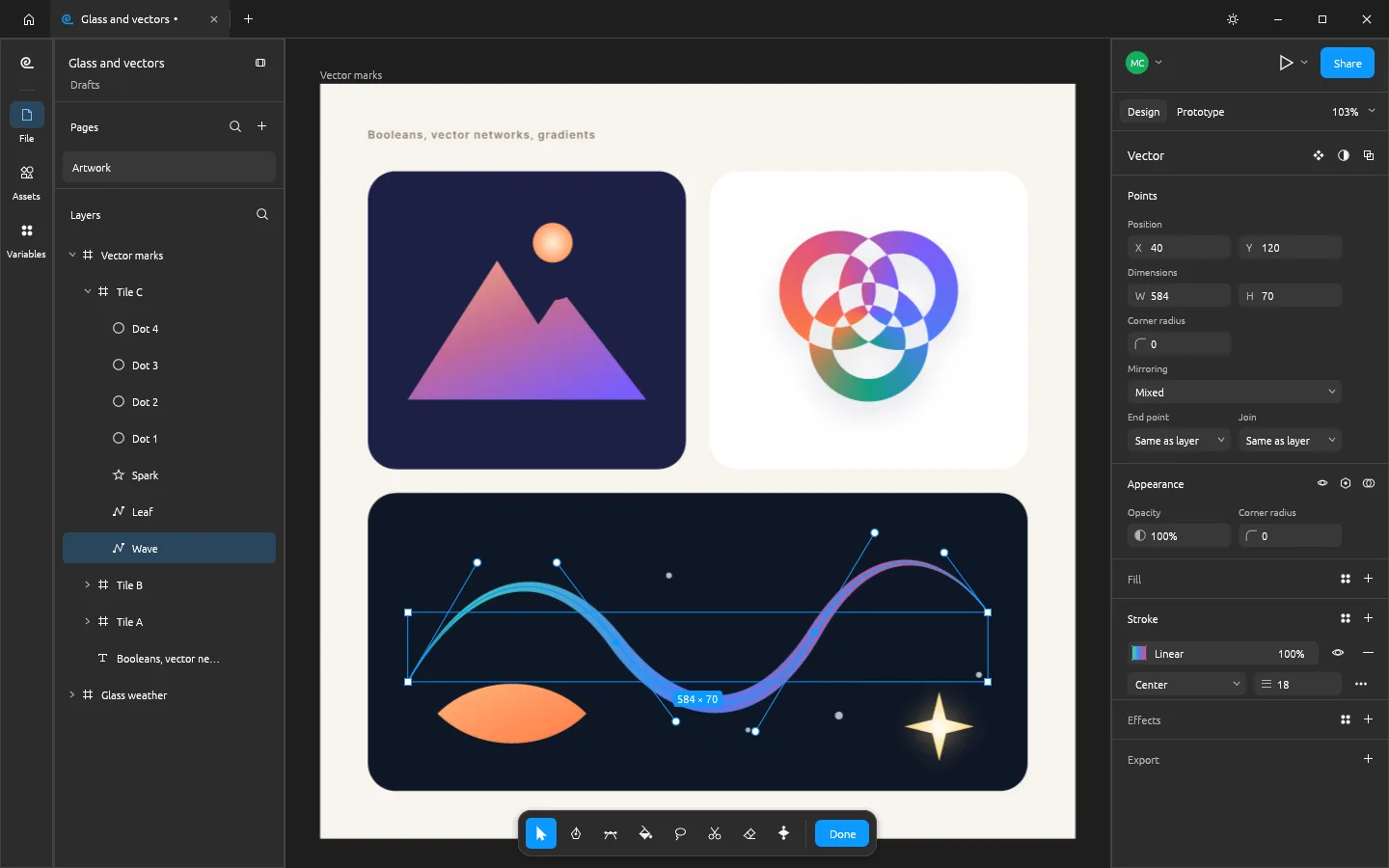
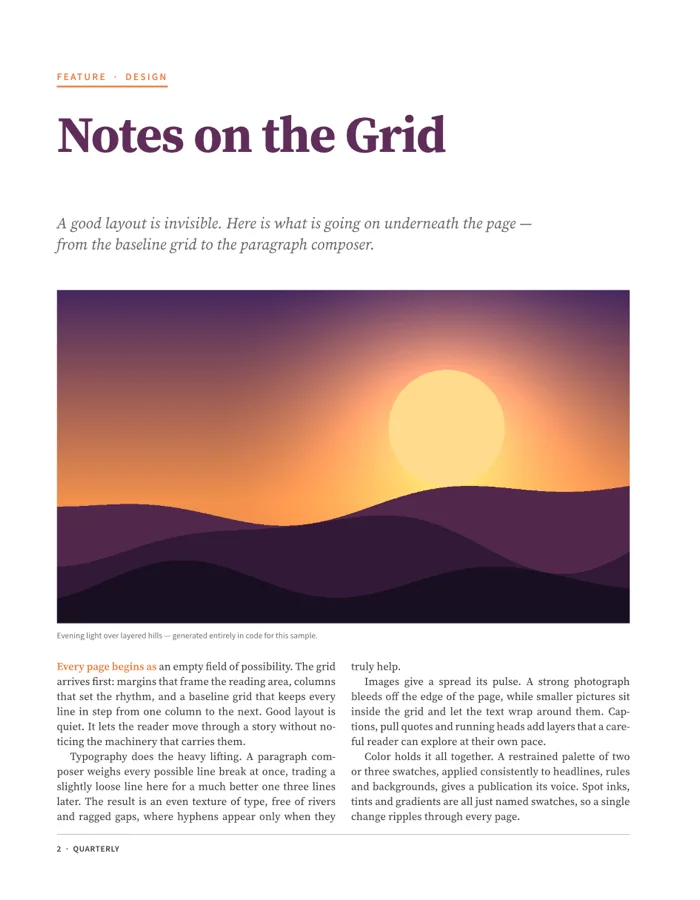
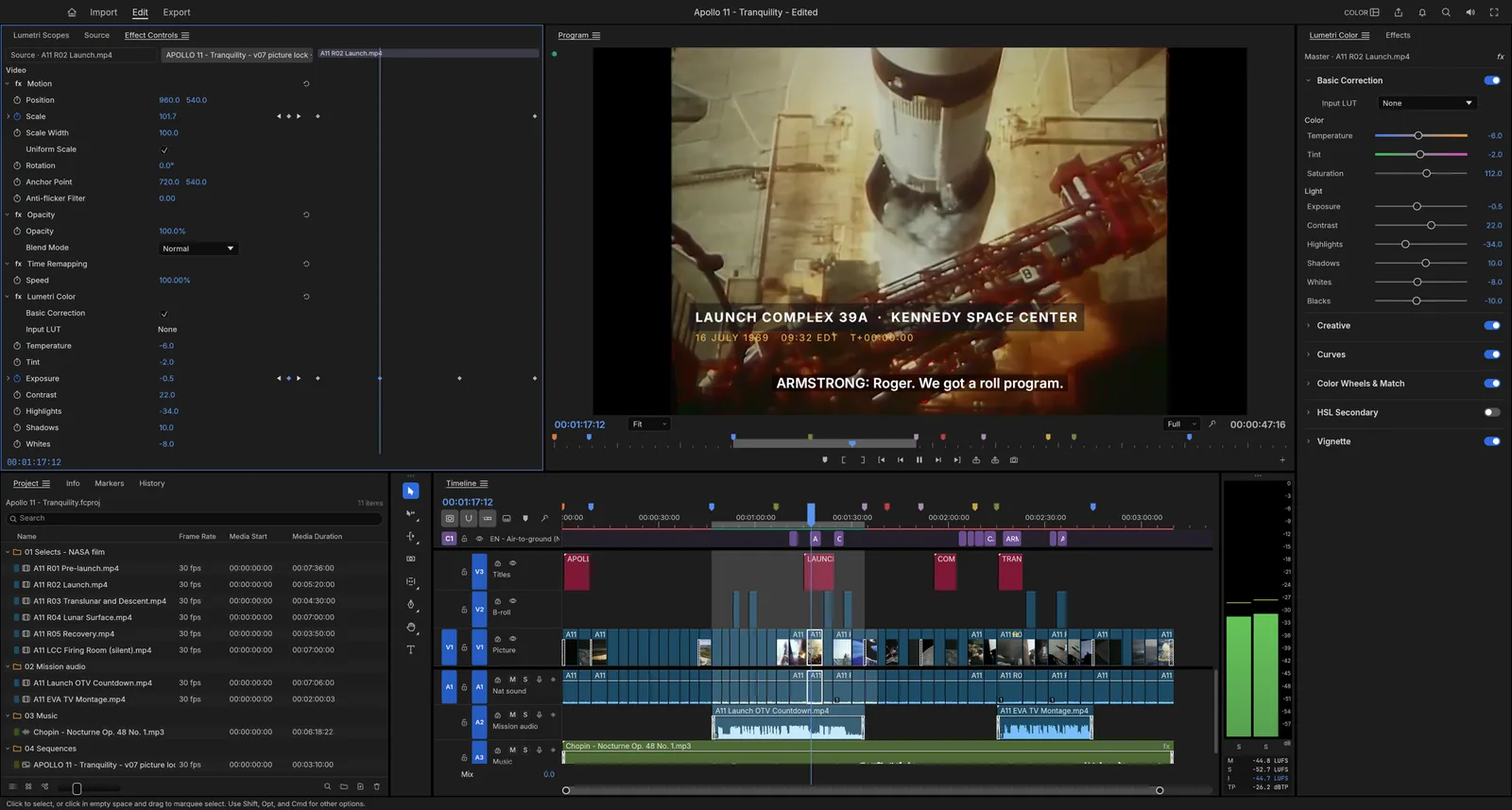
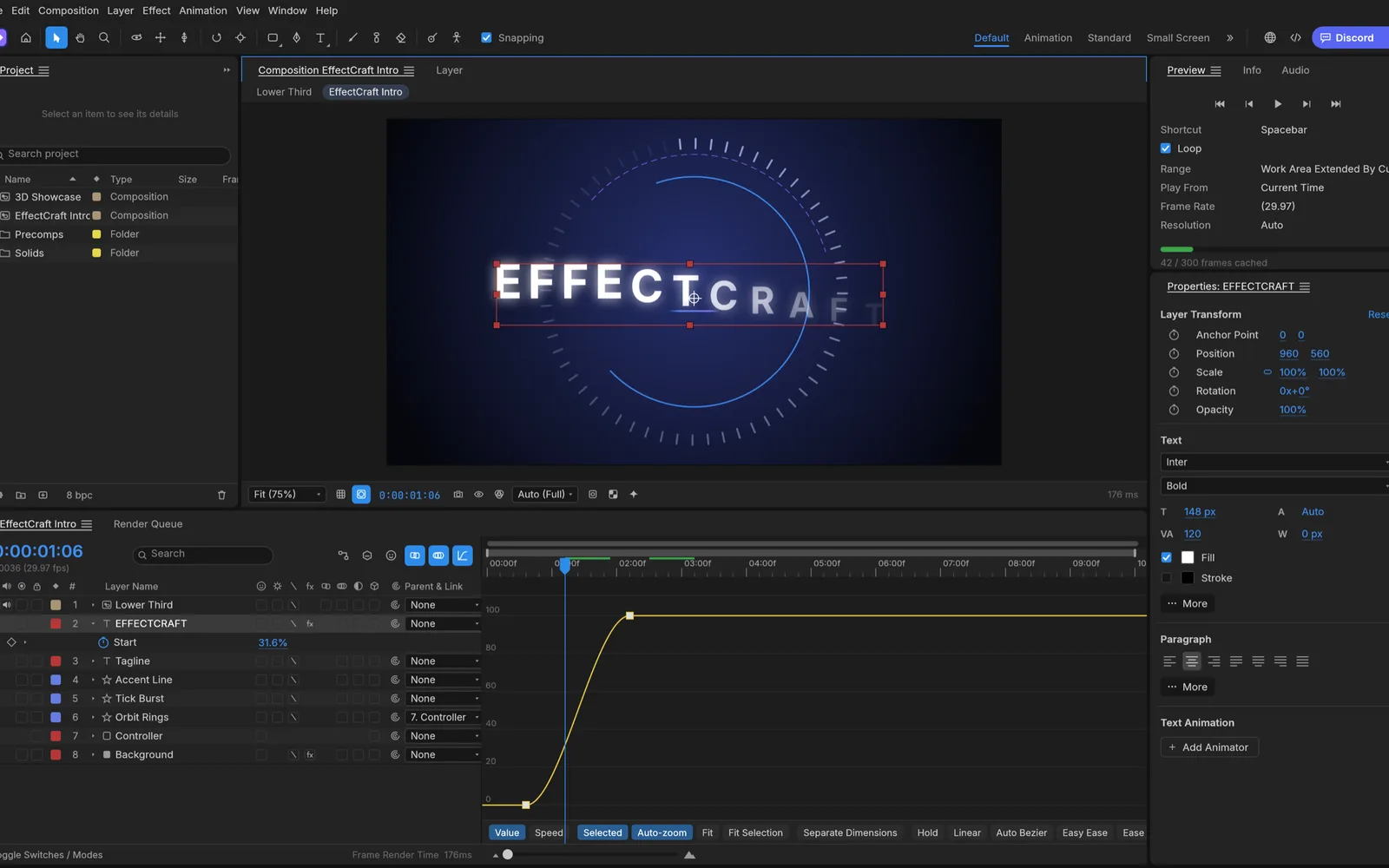
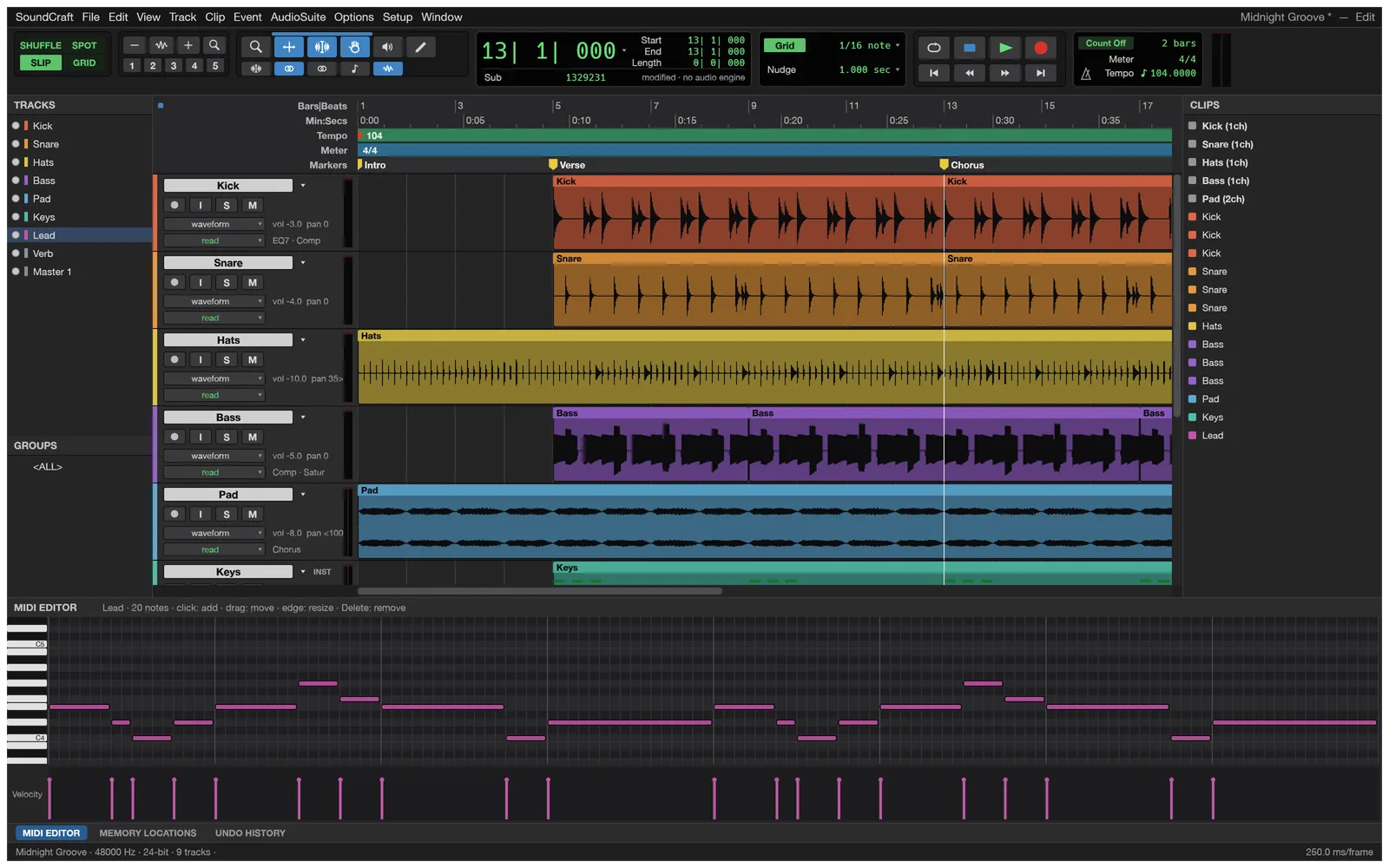
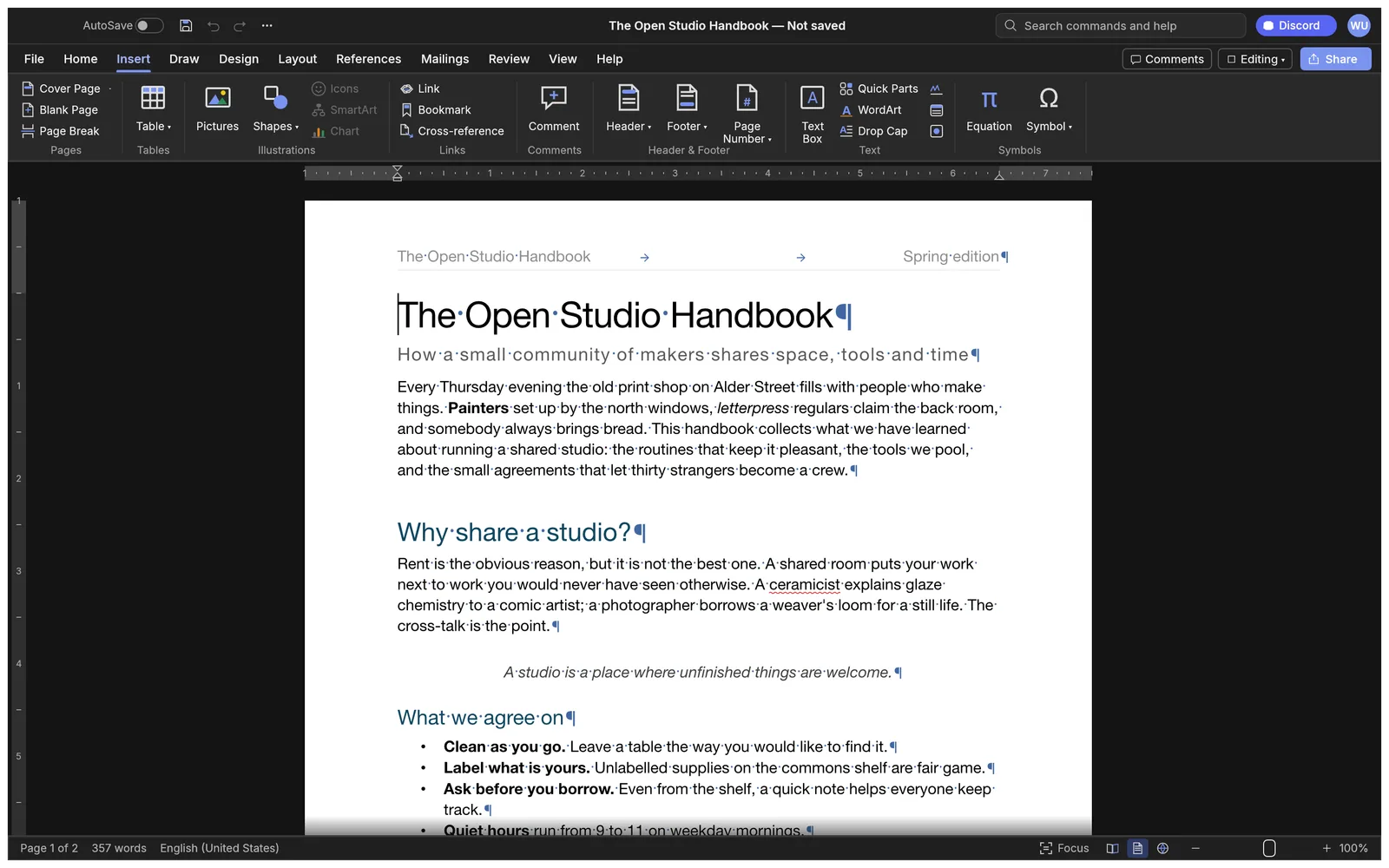
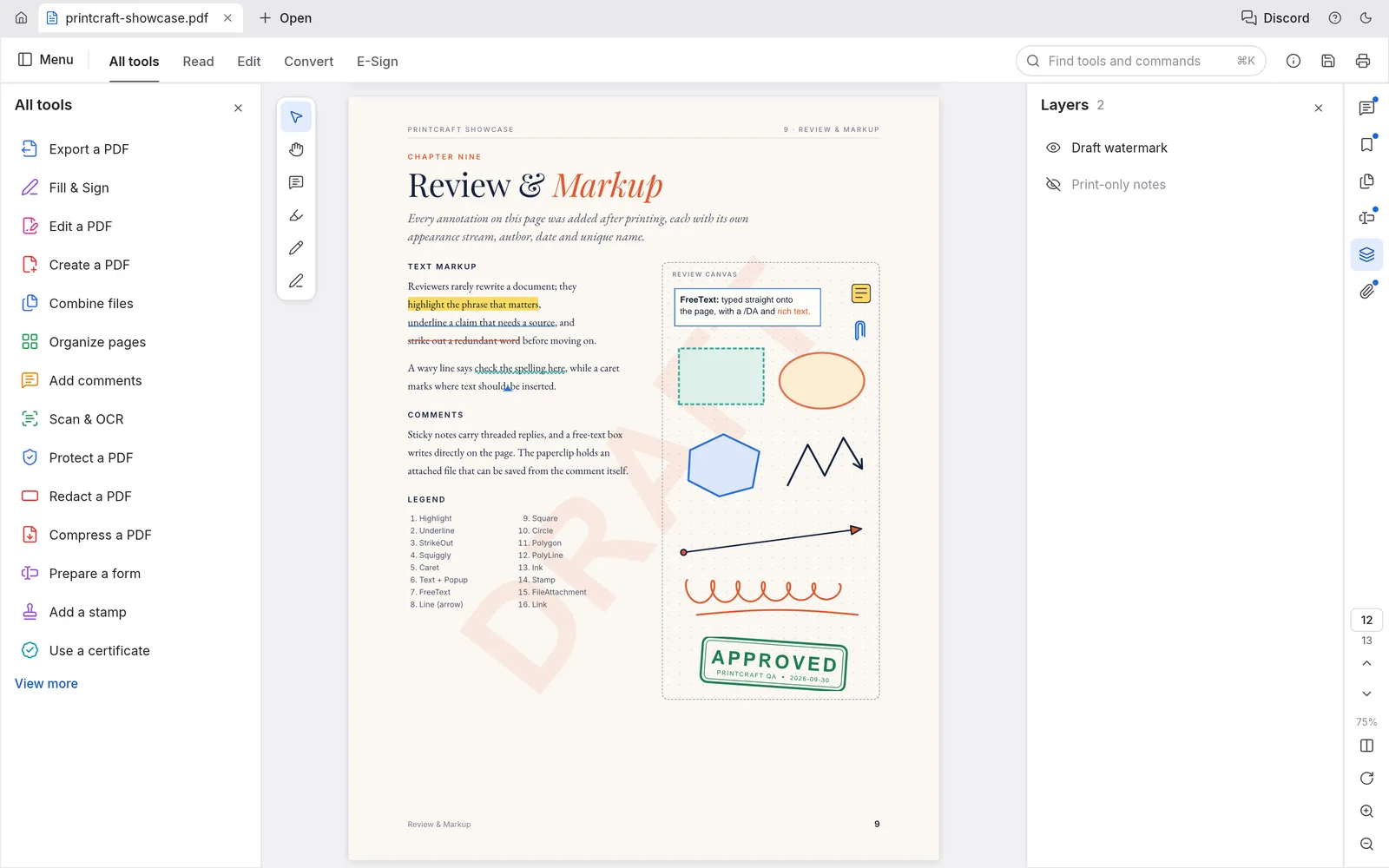
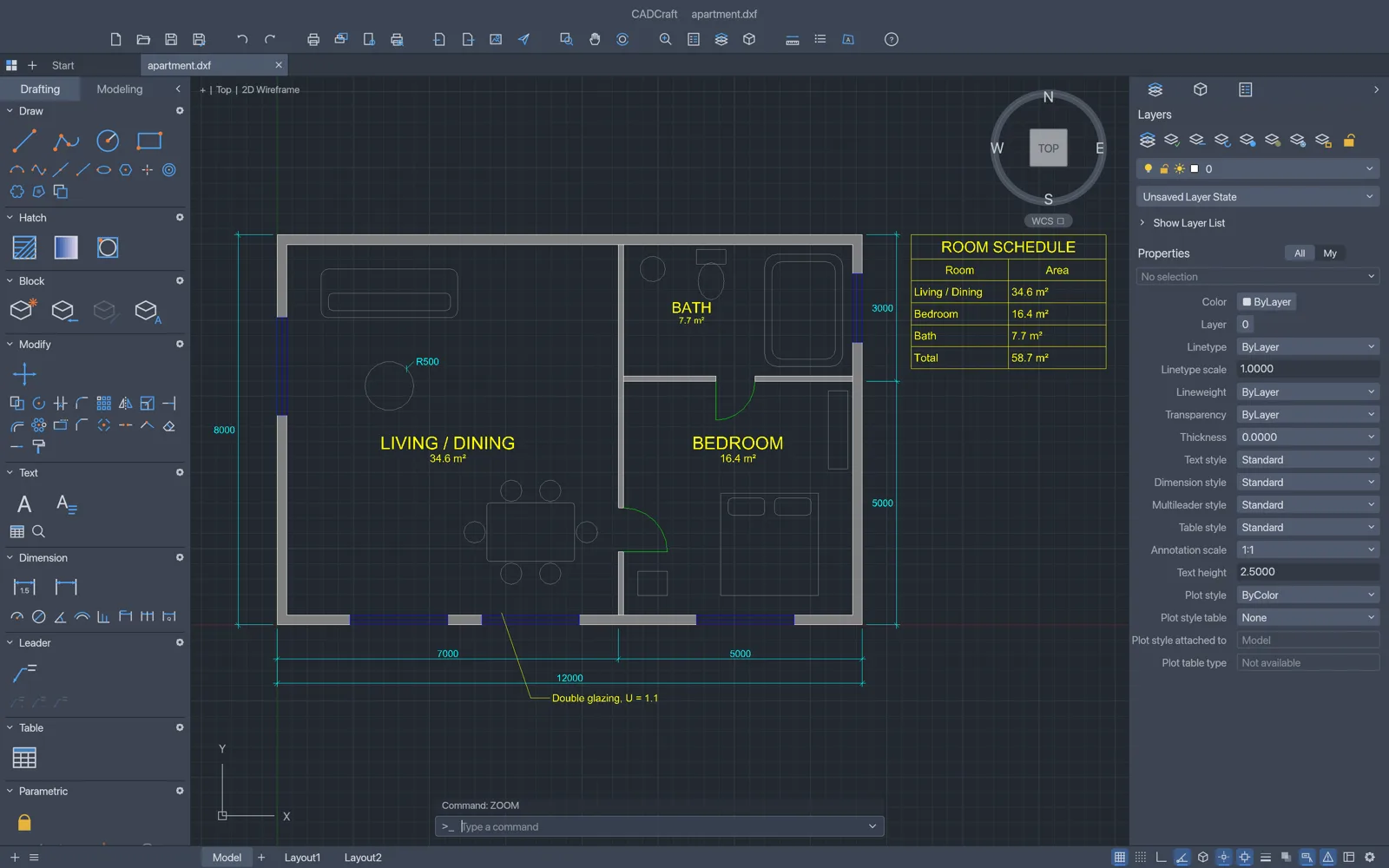
EasyRunCraft includes editors for documents, spreadsheets, presentations, PDFs, photos, vector art, UI design, page layout, video, motion graphics, audio, and 2D CAD. The editor directory links to each project’s page and its browser editor.
When should I choose EasyRunCraft as my online office and creative suite?
Choose EasyRunCraft when you want to work across several file types without installing separate desktop apps. Each editor has its own editing tools, and one account shares an AI credit balance across the suite. If you need a specific desktop feature or file format, check the individual editor’s compatibility before starting.
How do I get started with EasyRunCraft?
Choose an editor from the editor directory, open a supported file from your device or start a new project, and make your changes. Use the editor’s save or export command when you’re done.
Can I edit an open file by chatting with EasyRunCraft AI?
Yes. Open the built-in AI panel and describe the change you want, such as updating a cell range or rewriting a paragraph. Supported commands apply to the open file, where you can review and undo the change. Available actions depend on the editor.
How do I use EasyRunCraft MCP in my own AI chat?
Create an MCP token in your EasyRunCraft account and connect it to Codex, Claude Code, or another compatible client. You can then ask that Agent to inspect or edit supported files and get the result back in the same chat. See the MCP setup guide for client instructions and supported tools.
Is EasyRunCraft free?
Yes. Manual editing is free in all 13 browser editors, with no account required. For built-in AI, you can use shared EasyRunCraft credits or connect your own supported provider key and pay that provider for usage. MCP file operations use no EasyRunCraft AI credits.
Where does EasyRunCraft process my files?
Manual editing runs in your browser. When you use built-in AI, the required context or attachments go to the selected provider. Files submitted through MCP are processed on the EasyRunCraft service. See the privacy policy for details.
How do I download my work from EasyRunCraft?
Use the editor’s save or export command to download your work. Choose an editable project format if you plan to reopen it, or an export format for sharing. For a file edited through MCP, use the download link returned by your Agent.