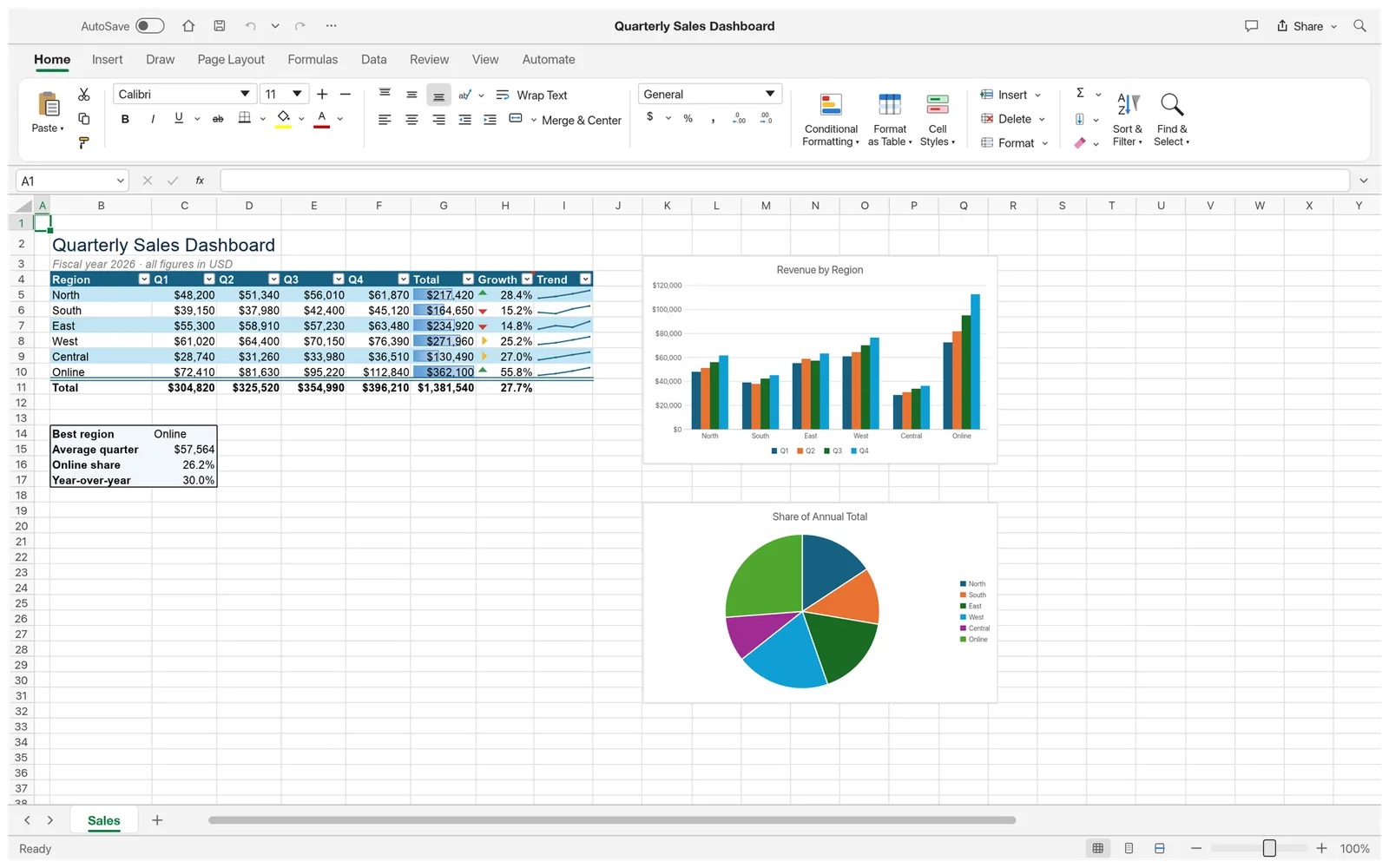
What you can do with GridCraft
- Open supported XLSX and CSV files and review their worksheets.
- Work with cell values, formulas and supported spreadsheet tools.
- Read and update explicit ranges with guarded Agent commands.
GridCraft FAQ
What is GridCraft?
GridCraft is an online spreadsheet editor for workbooks, cells, formulas, and charts. Open supported XLSX and CSV files and edit them in your browser.
Can I open XLSX and CSV files online with GridCraft?
Yes. Open a supported XLSX workbook or CSV file and review how the data imports. Check complex formulas or features before saving a copy.
When should I choose GridCraft as my online spreadsheet editor?
Choose GridCraft to review data, edit cells, and work with formulas in a browser. Check an existing workbook first when it relies on complex features from another spreadsheet app.
How do I get started with GridCraft online?
Open the GridCraft editor in your browser. Open a supported spreadsheet or start a workbook in the editor. Edit cells and formulas, check the active sheet and review any calculated results.
Can I edit formulas and work with charts in GridCraft?
Yes. Edit supported formulas in their cells, check the calculated results, and use the available chart tools to display the data.
Can GridCraft AI update a range of spreadsheet cells?
Yes, for supported ranges. Specify the worksheet and range you want to update, then review the changes in the workbook. Supported writes can be undone.
Is GridCraft free on EasyRunCraft?
Yes. You can use GridCraft for manual editing on EasyRunCraft without creating an account. For optional AI features, use shared credits.
How do I download my workbook from GridCraft?
Save a workbook to keep editing its sheets and formulas. If you only need data for another app, use a supported export format.
