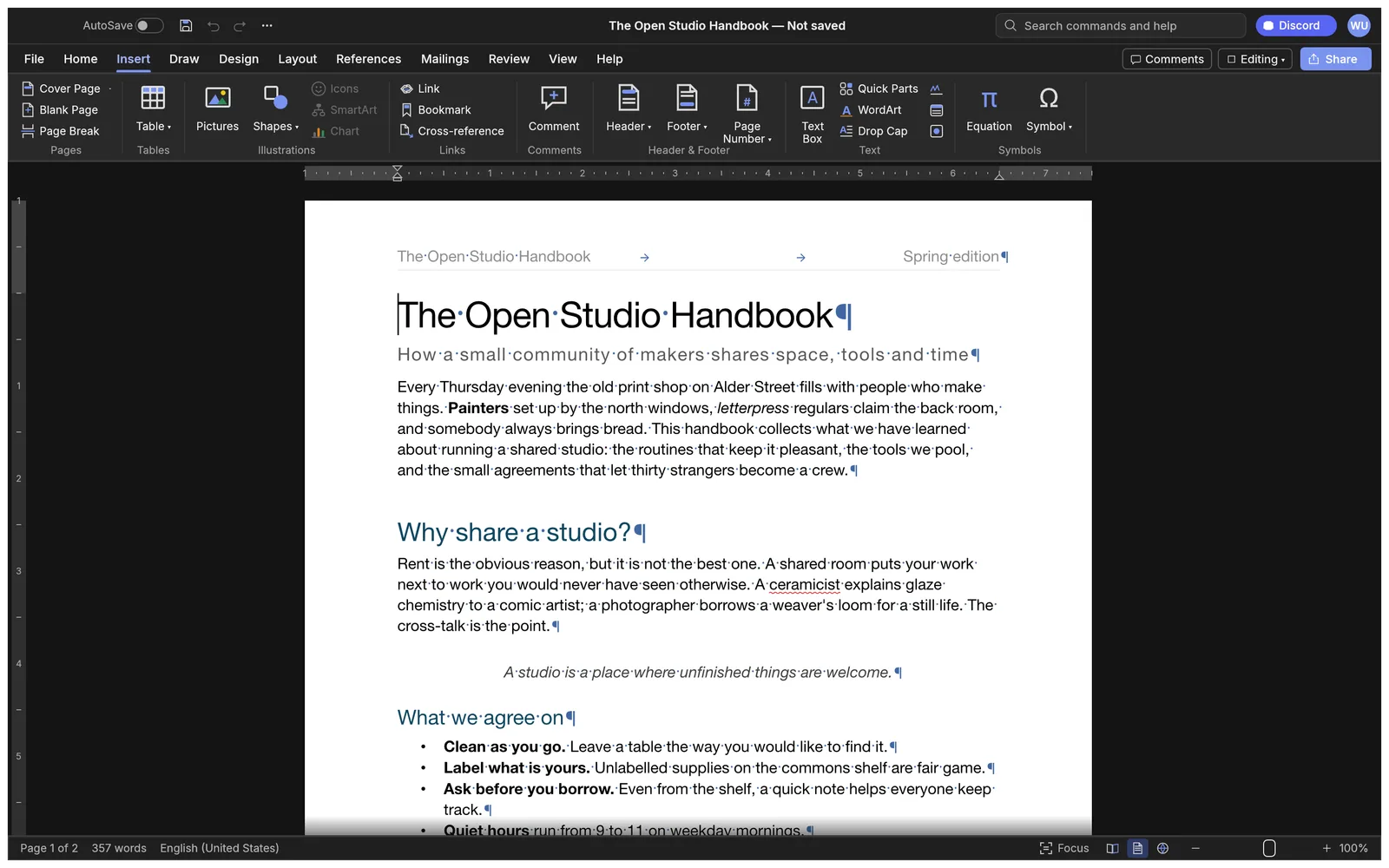
What you can do with WordCraft
- Open and edit supported word-processing documents, including .docx files.
- Write text and use the native formatting and document tools.
- Save a document or export a supported delivery format.
WordCraft FAQ
What is WordCraft?
WordCraft is an online word processor for writing, editing, and formatting documents. It opens supported Word files, including DOCX, and lets you save or export your revisions.
Can I open and edit DOCX files online with WordCraft?
Yes. Open a supported DOCX from your device and edit the text and formatting in the browser. Check imported fonts and layout before saving.
When should I choose WordCraft as my online word processor?
Choose WordCraft for drafting and revising text-heavy files such as reports, letters, or notes. Use a page layout editor for work built around precisely placed text and image frames.
How do I get started with WordCraft online?
Open the WordCraft editor in your browser. Create a document or open a supported file from your device. Use manual tools for the text and layout, or request a supported paragraph edit from the Agent.
Will a Word document look the same in WordCraft?
Check page breaks, fonts, and layout after opening the file. Formatting can differ when a font or document feature is unavailable in the browser editor.
Can WordCraft AI rewrite a paragraph in my open document?
Yes, when the paragraph and requested change are supported. Review the change in the document and use native undo if you want to revert it.
Is WordCraft free on EasyRunCraft?
Yes. You can use WordCraft for manual editing on EasyRunCraft without creating an account. For optional AI features, use shared credits.
How do I download my WordCraft document?
Save the document in a supported editable format or use a supported export for sharing. Reopen the downloaded copy to verify its layout.
