
Welcome to your new workspace

You arrived here from . We’ve brought our editor sites together under one brand, EasyRunCraft. Your old web address now takes you to this homepage.

You can now use all 14 office and creative tools in one place, from editing PDFs and spreadsheets to working with images, video and audio.

Enjoy exploring the rest of the suite!

Your Online Office Suite for AI Agents - EasyRunCraft

Your Agent uses the Craft suite’s professional editing tools.

Why work with EasyRunCraft?

01

Work across 14
EasyRunCraft editors

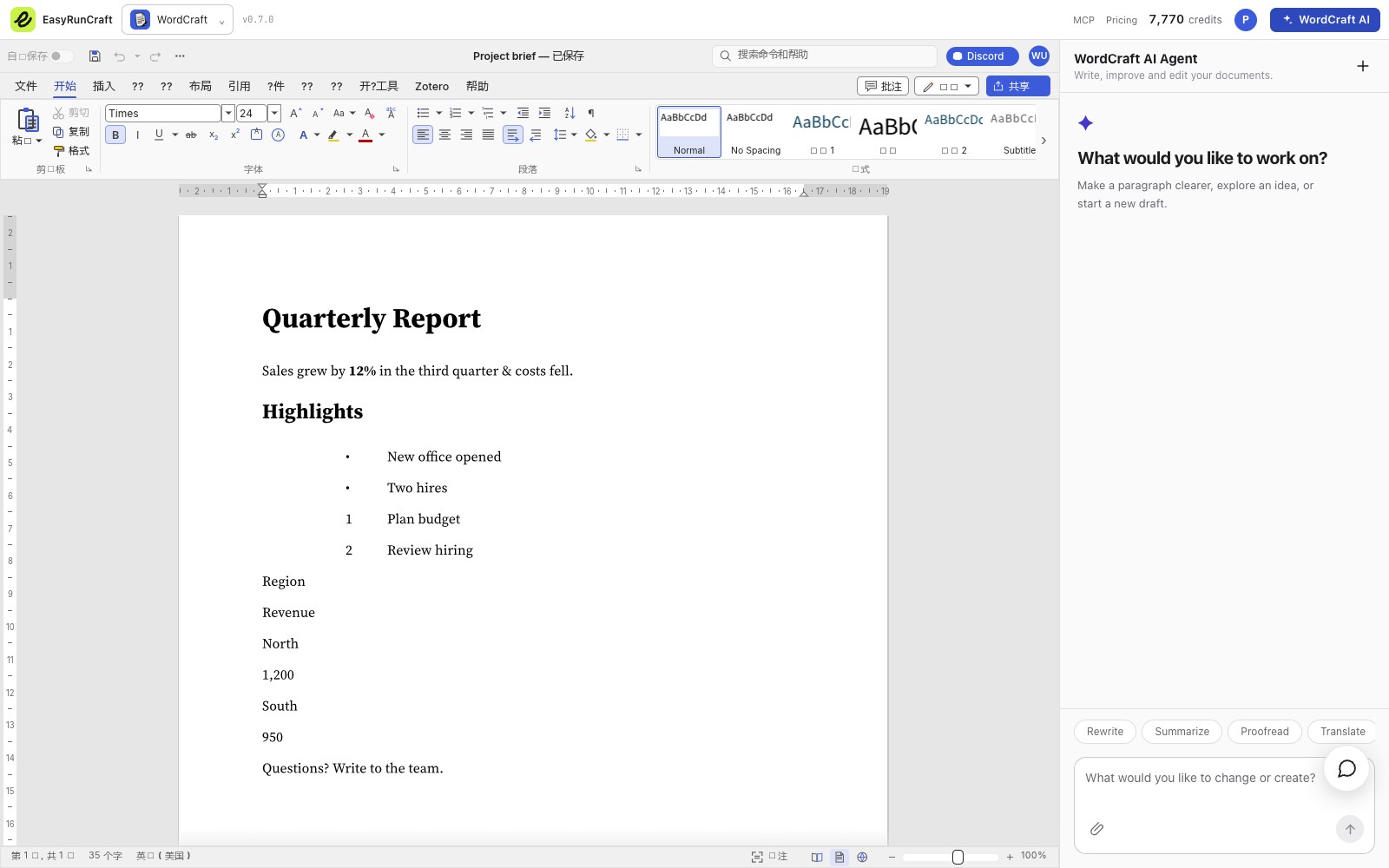
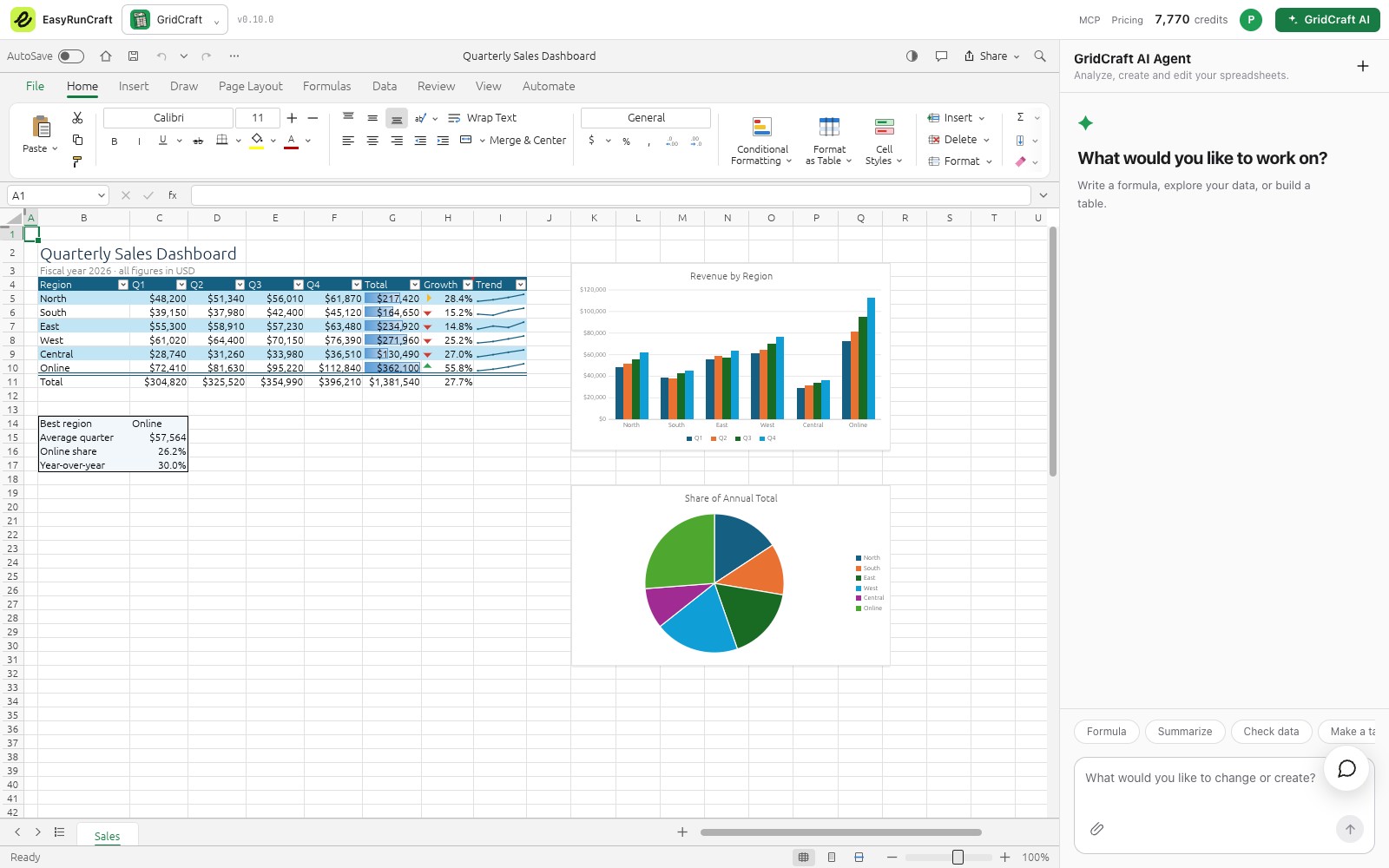
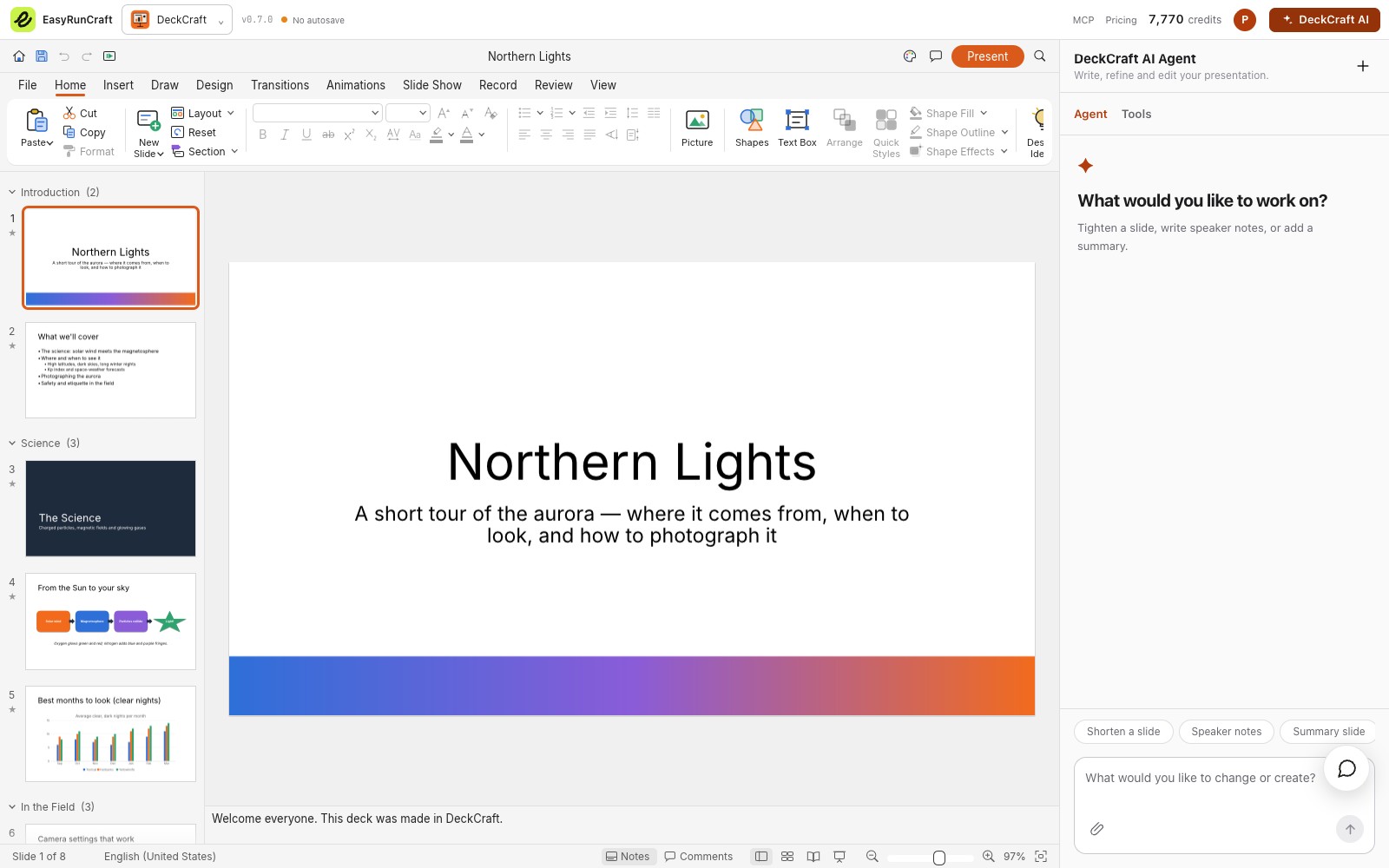
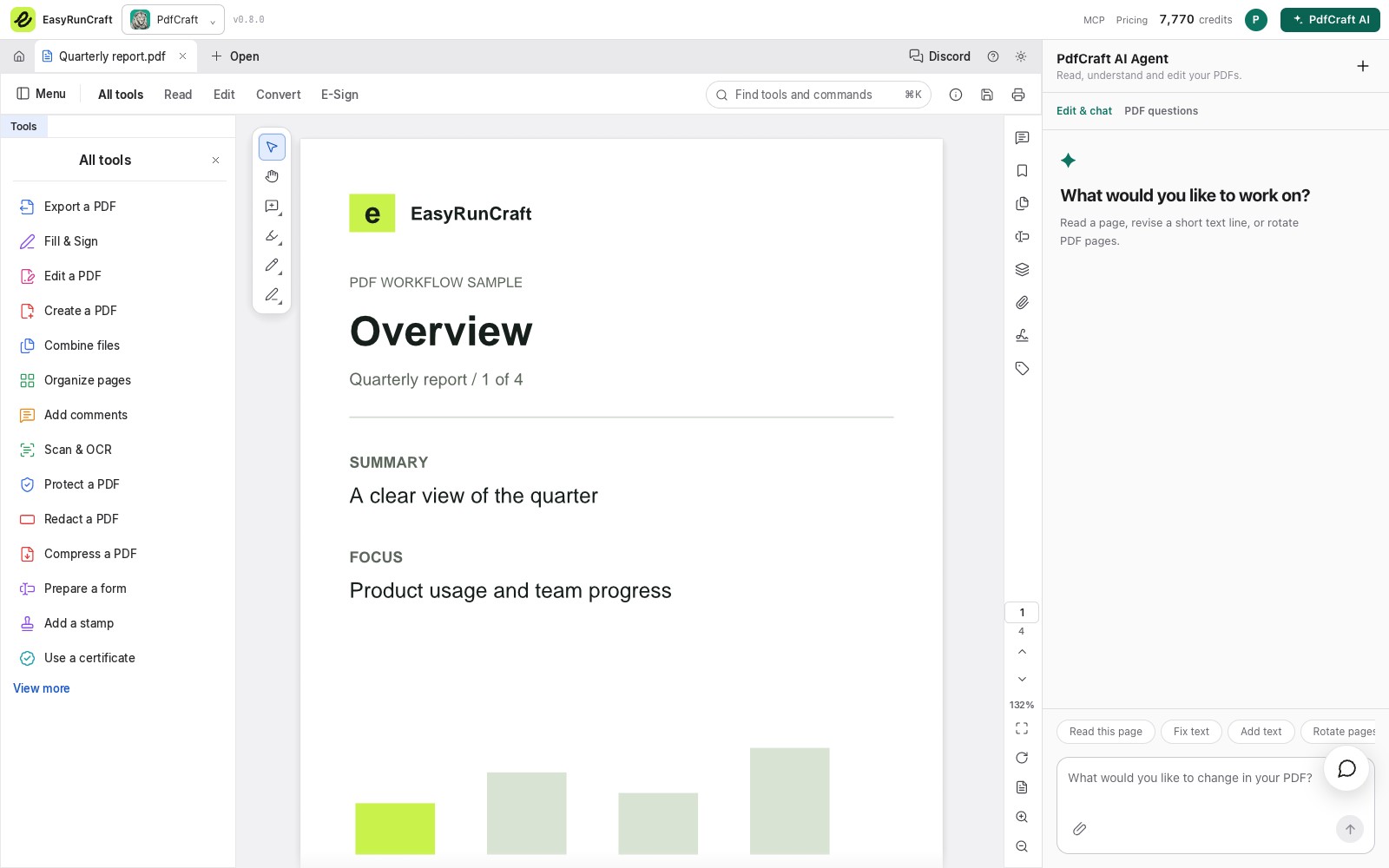
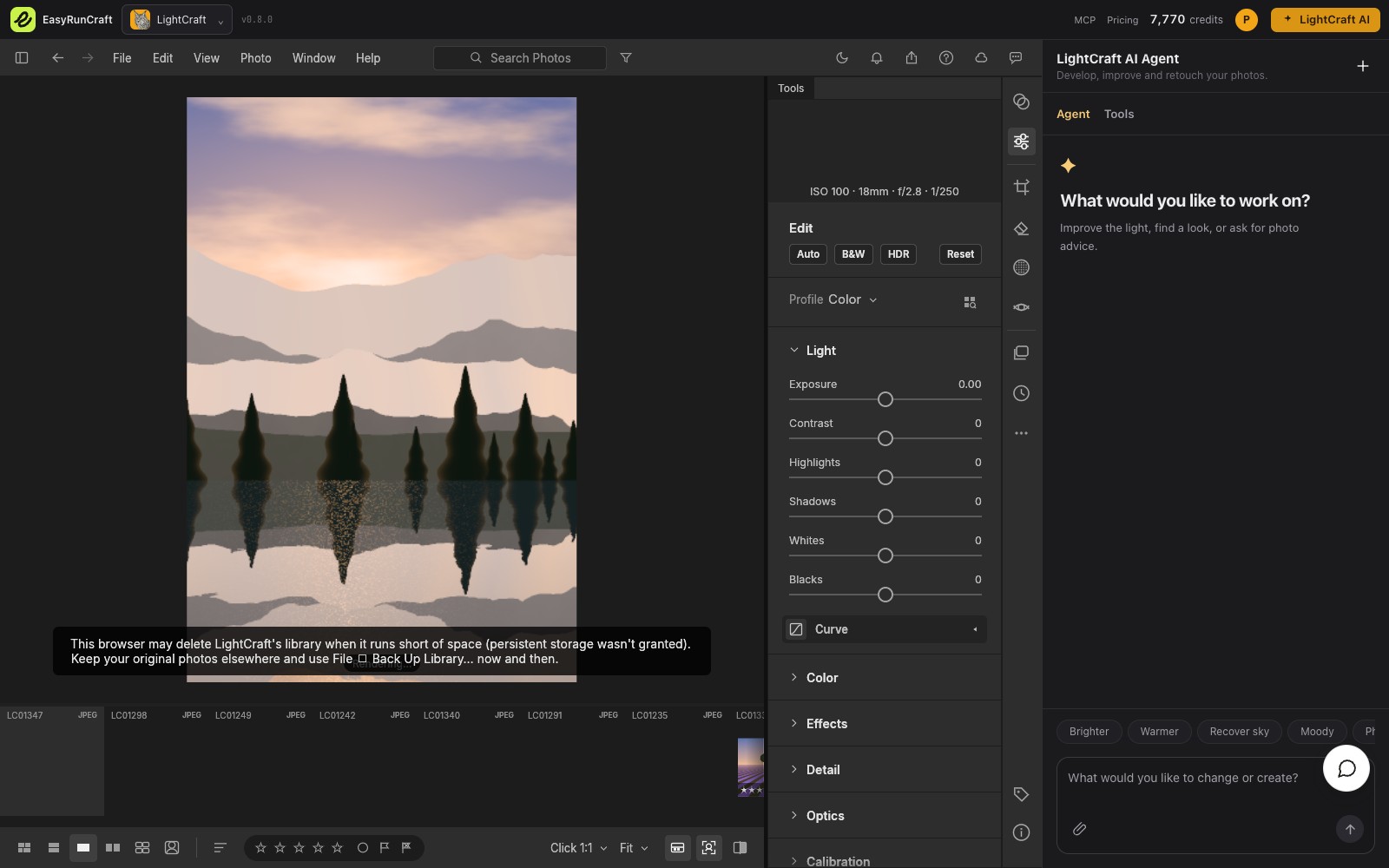
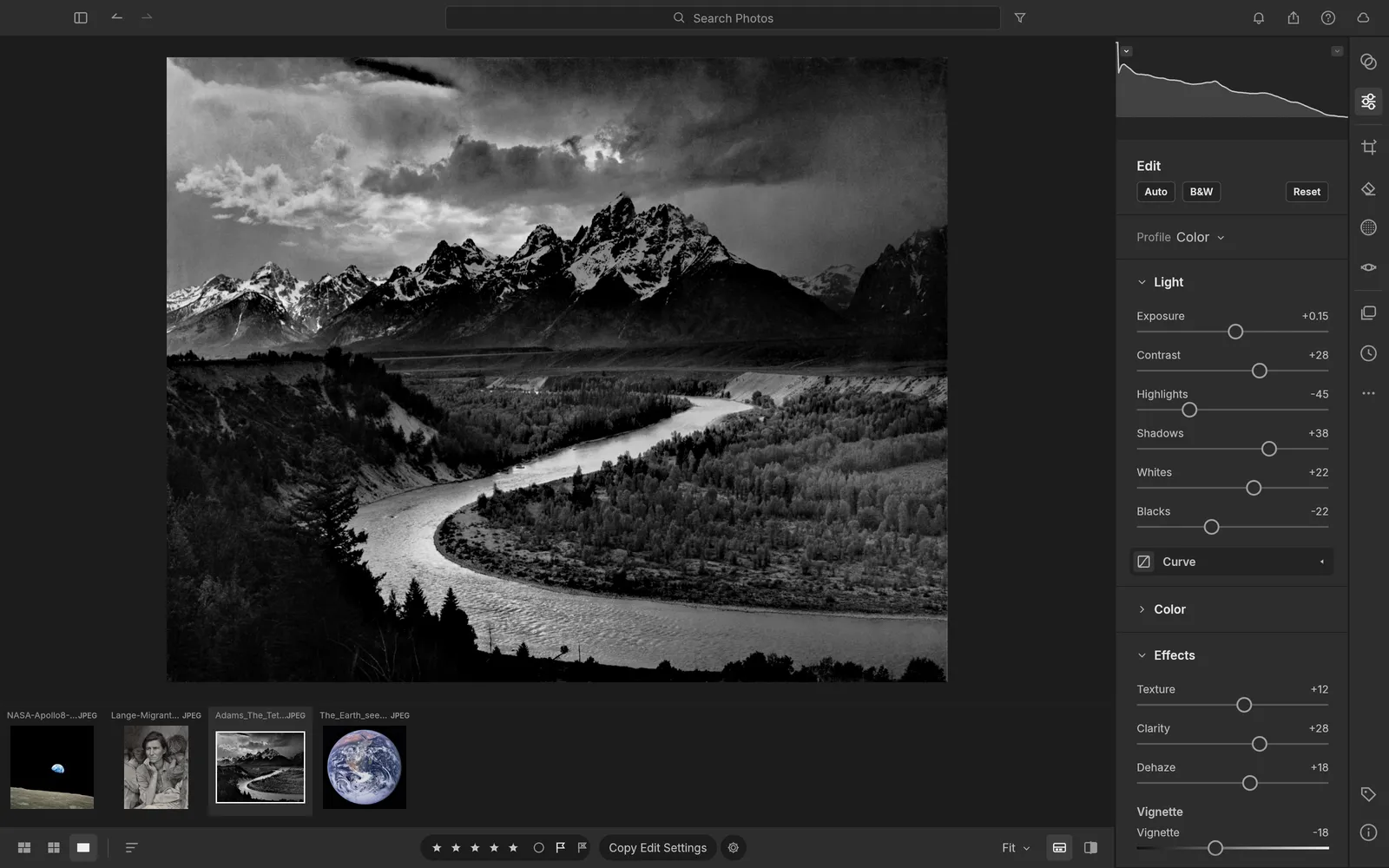
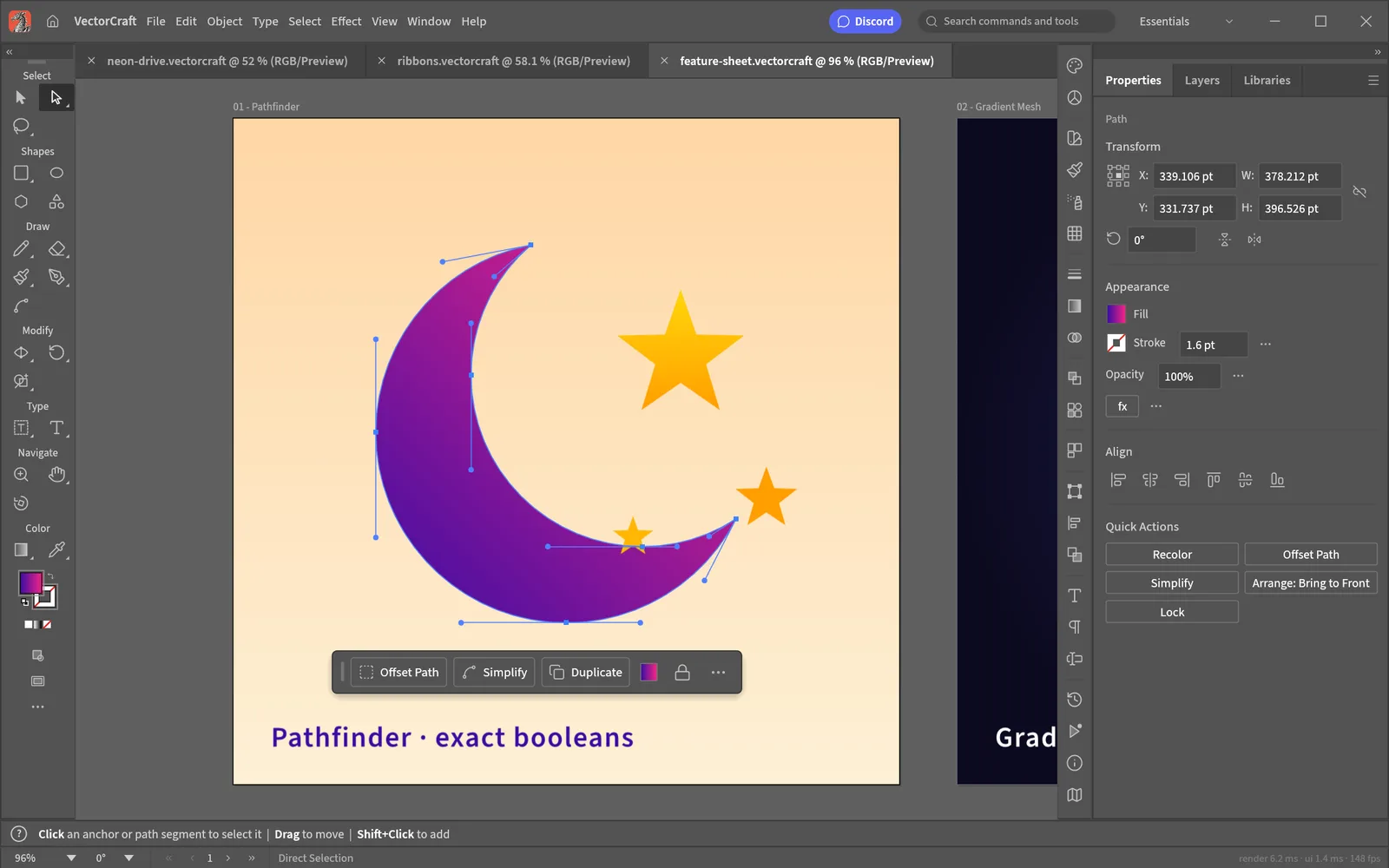
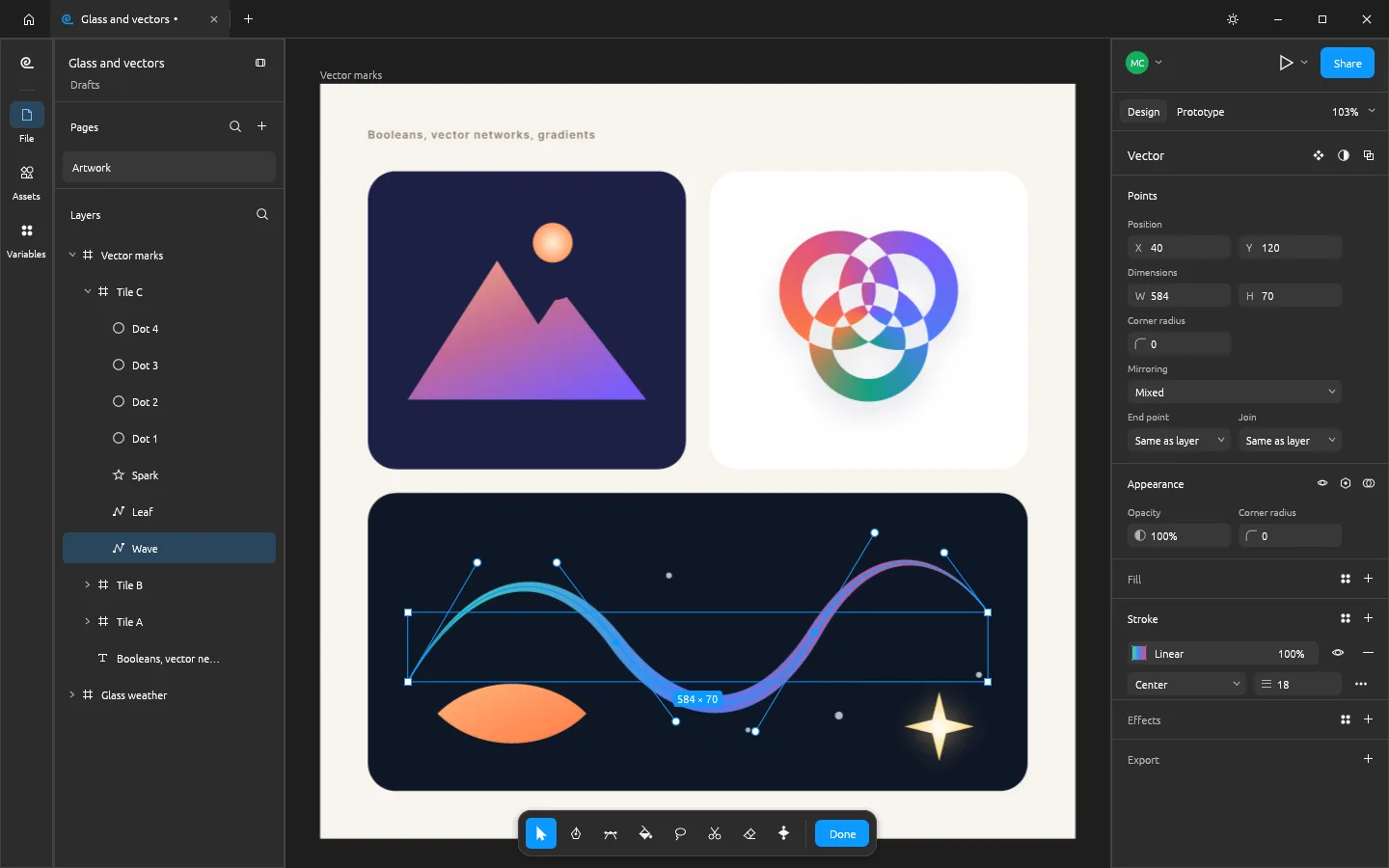
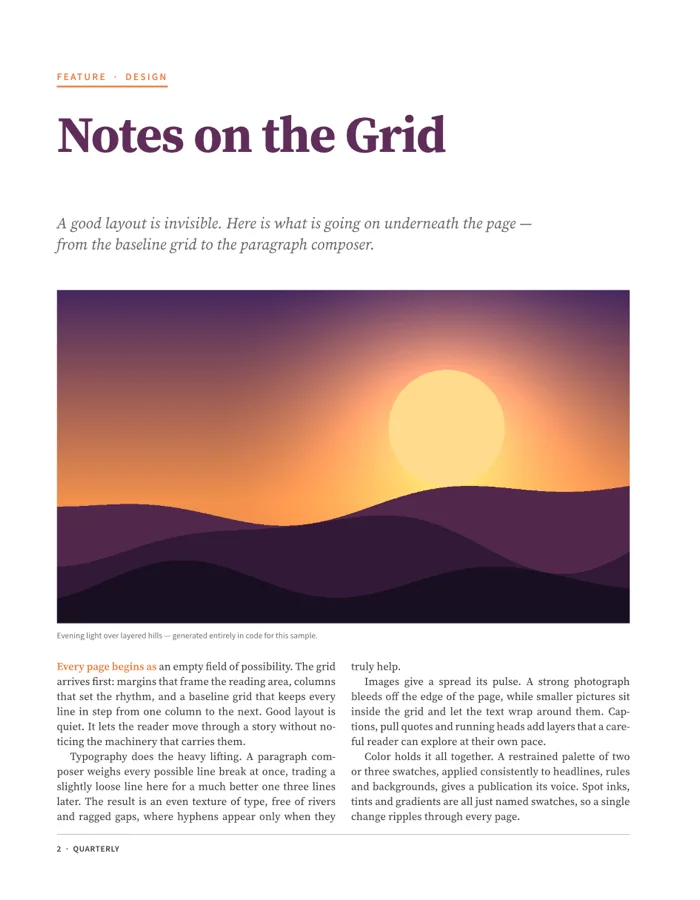
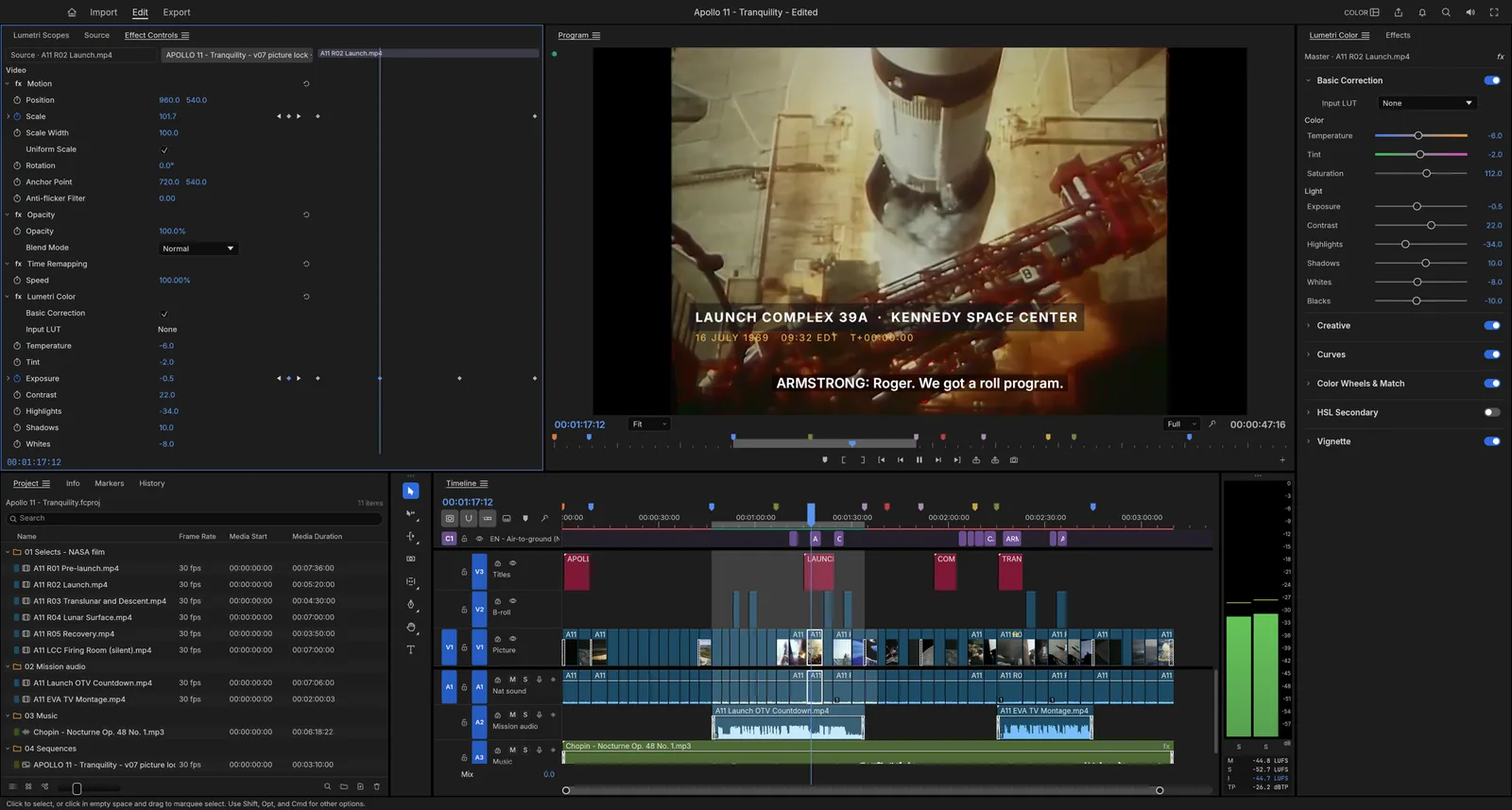
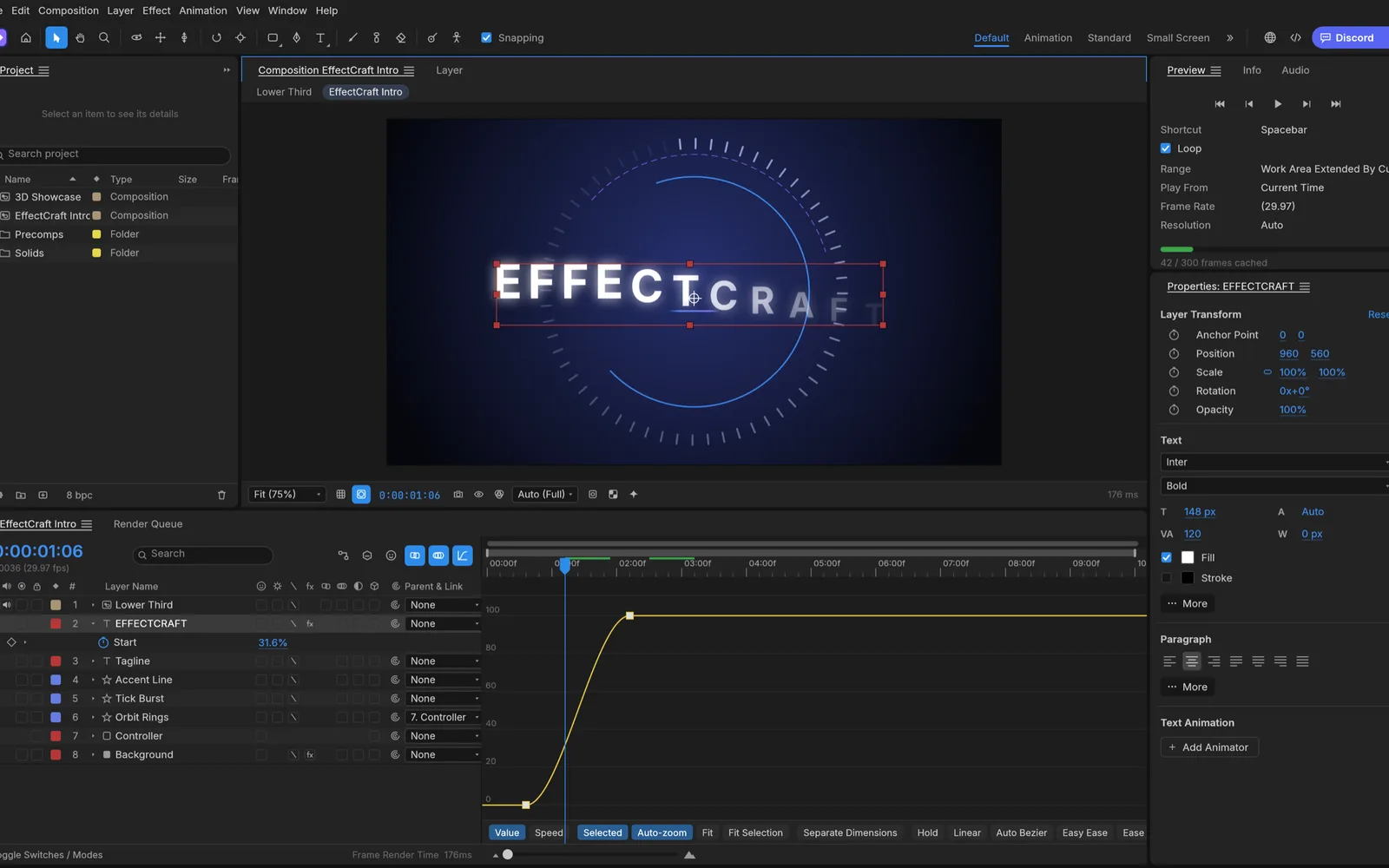
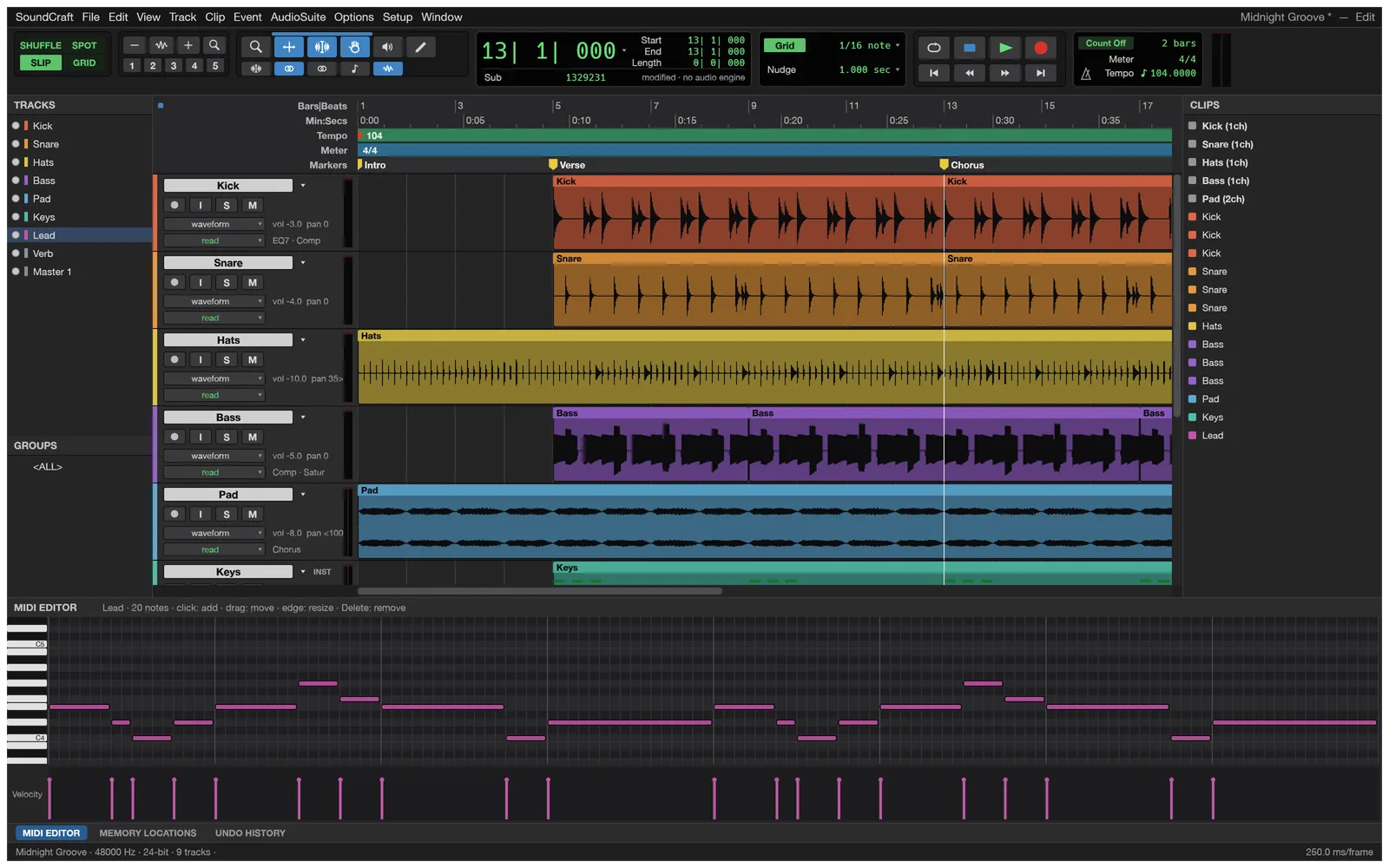
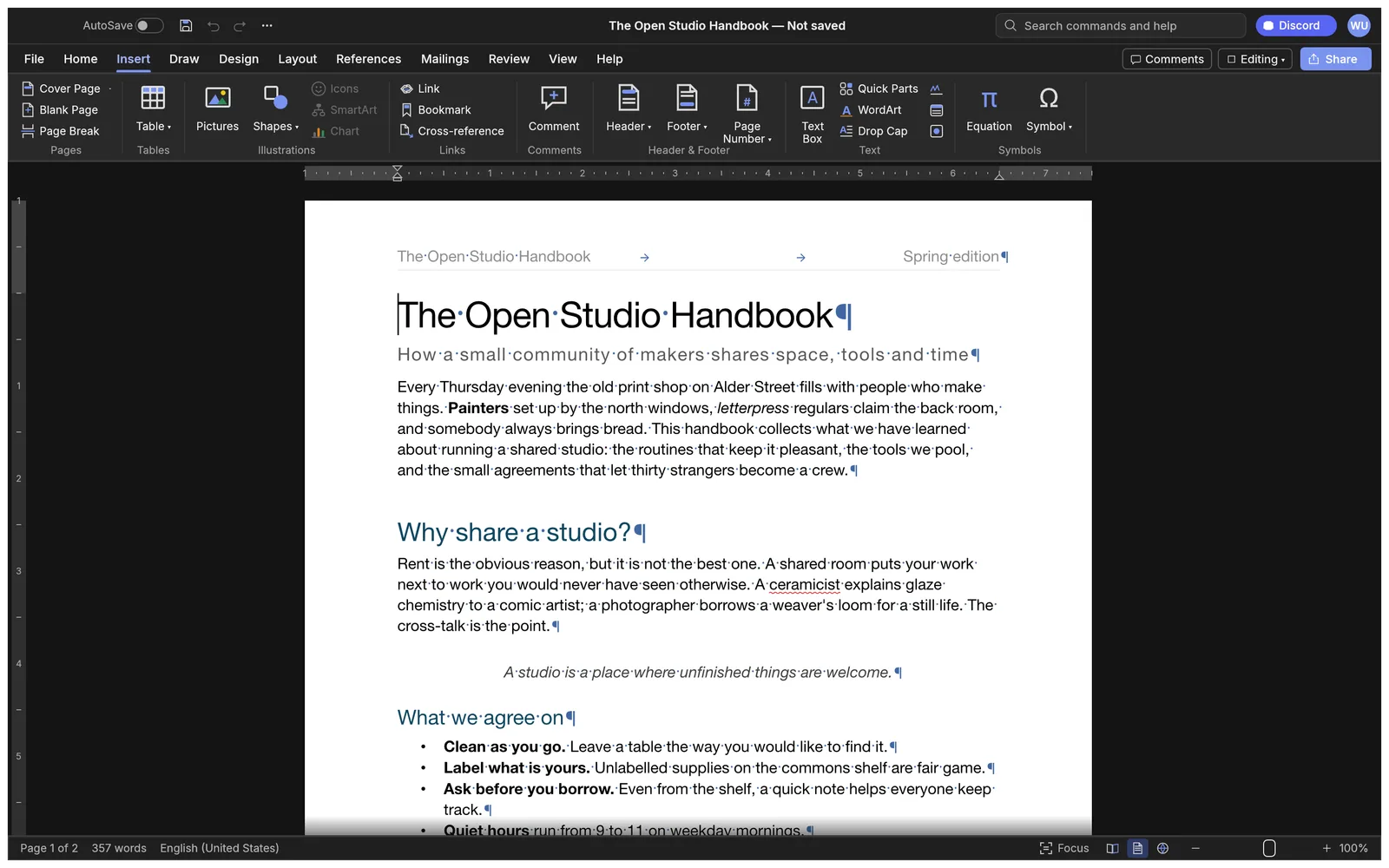
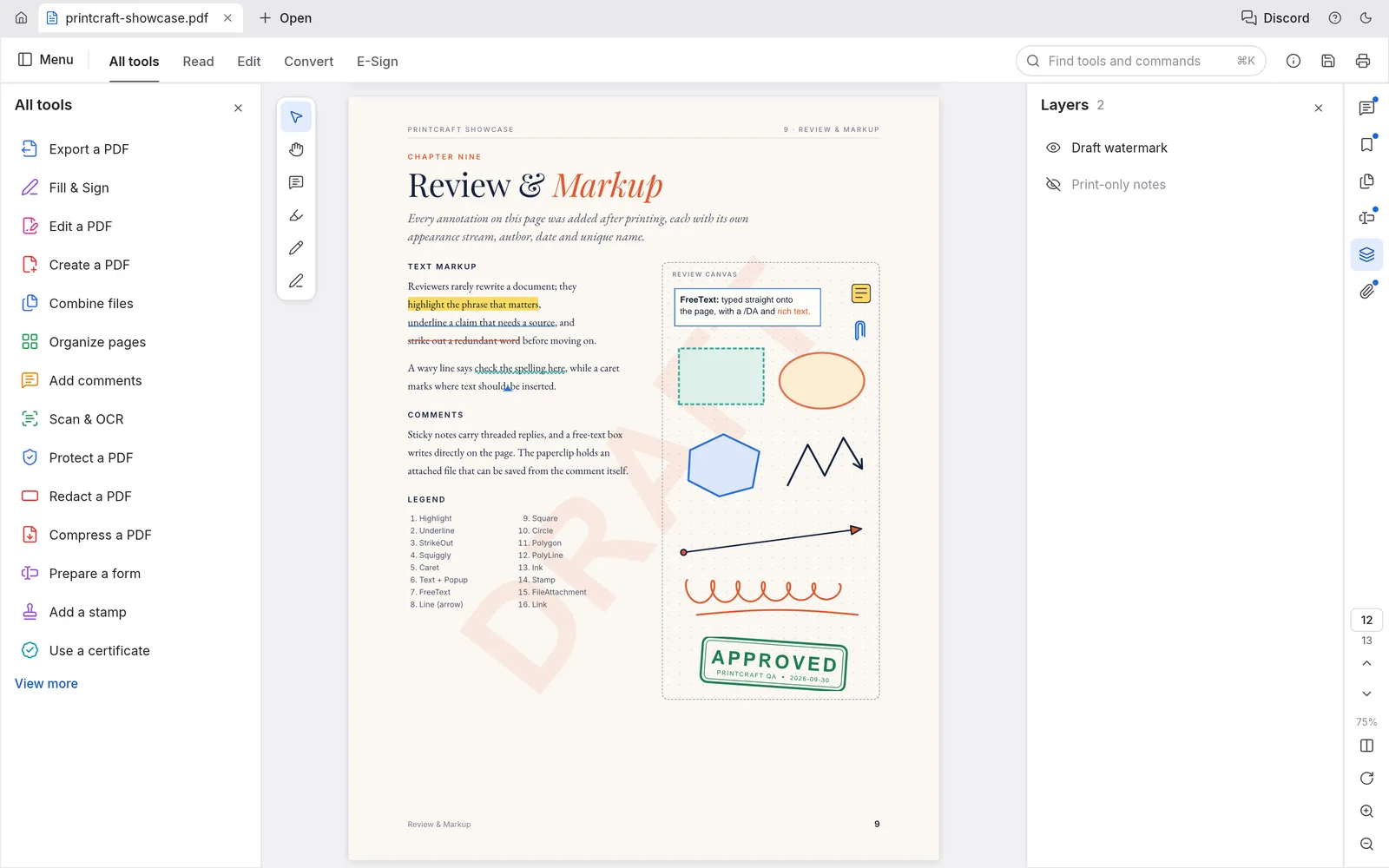
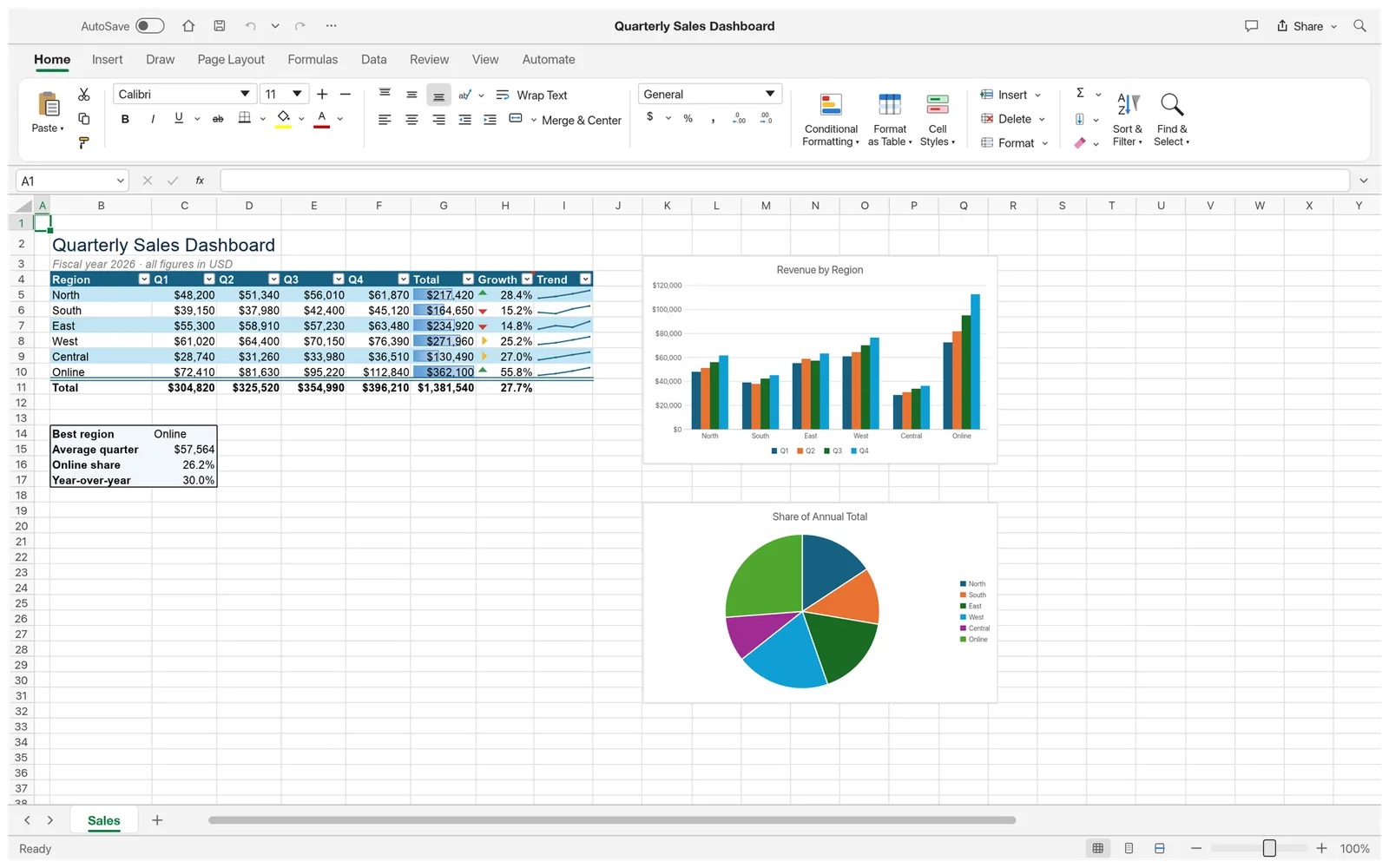
EasyRunCraft brings office and creative editors into one browser workspace. Write in WordCraft, work with spreadsheets in GridCraft, edit PDFs in PdfCraft, or use PhotoCraft and VectorCraft for image and design projects.

EasyRunCraft

Office

  • WordCraft
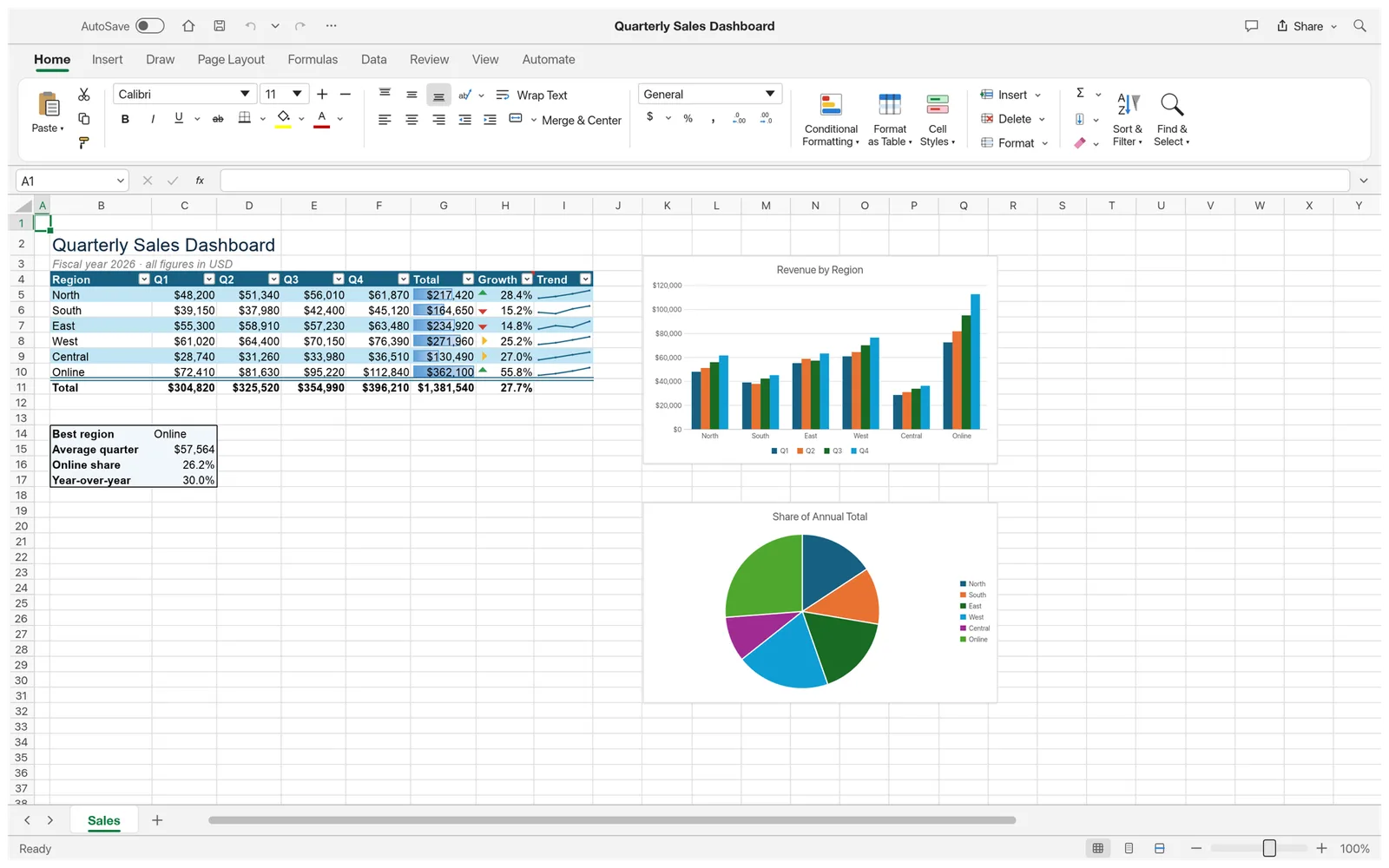
  • GridCraft
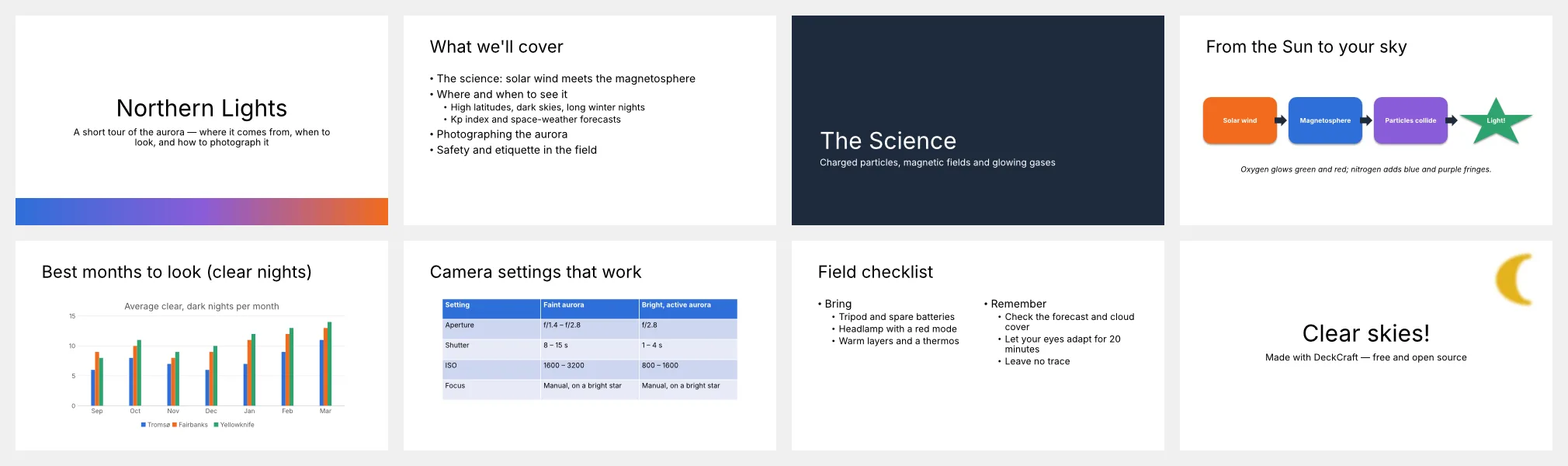
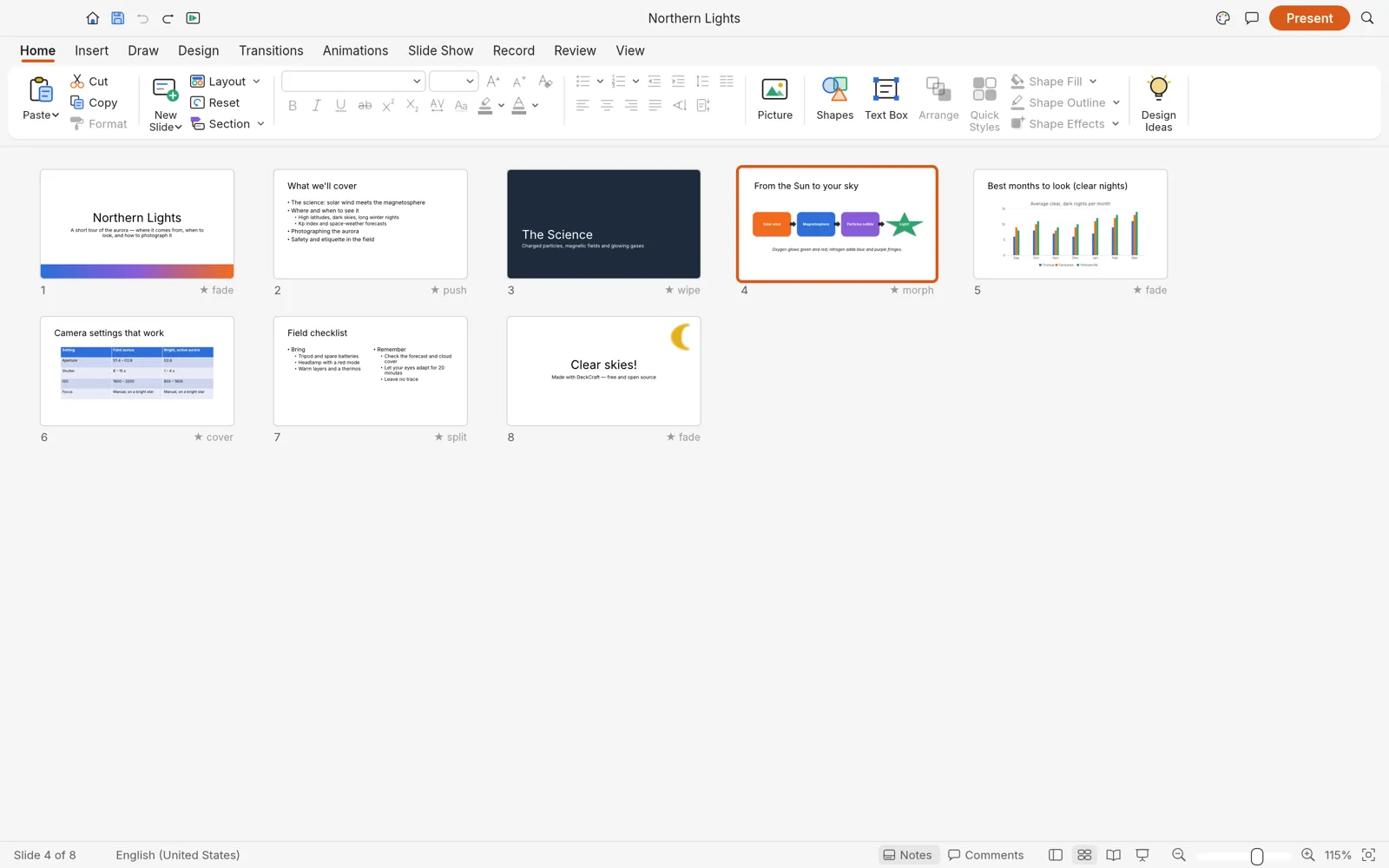
  • DeckCraft
  • PdfCraft

Images & Design

  • PhotoCraft
  • LightCraft
  • VectorCraft
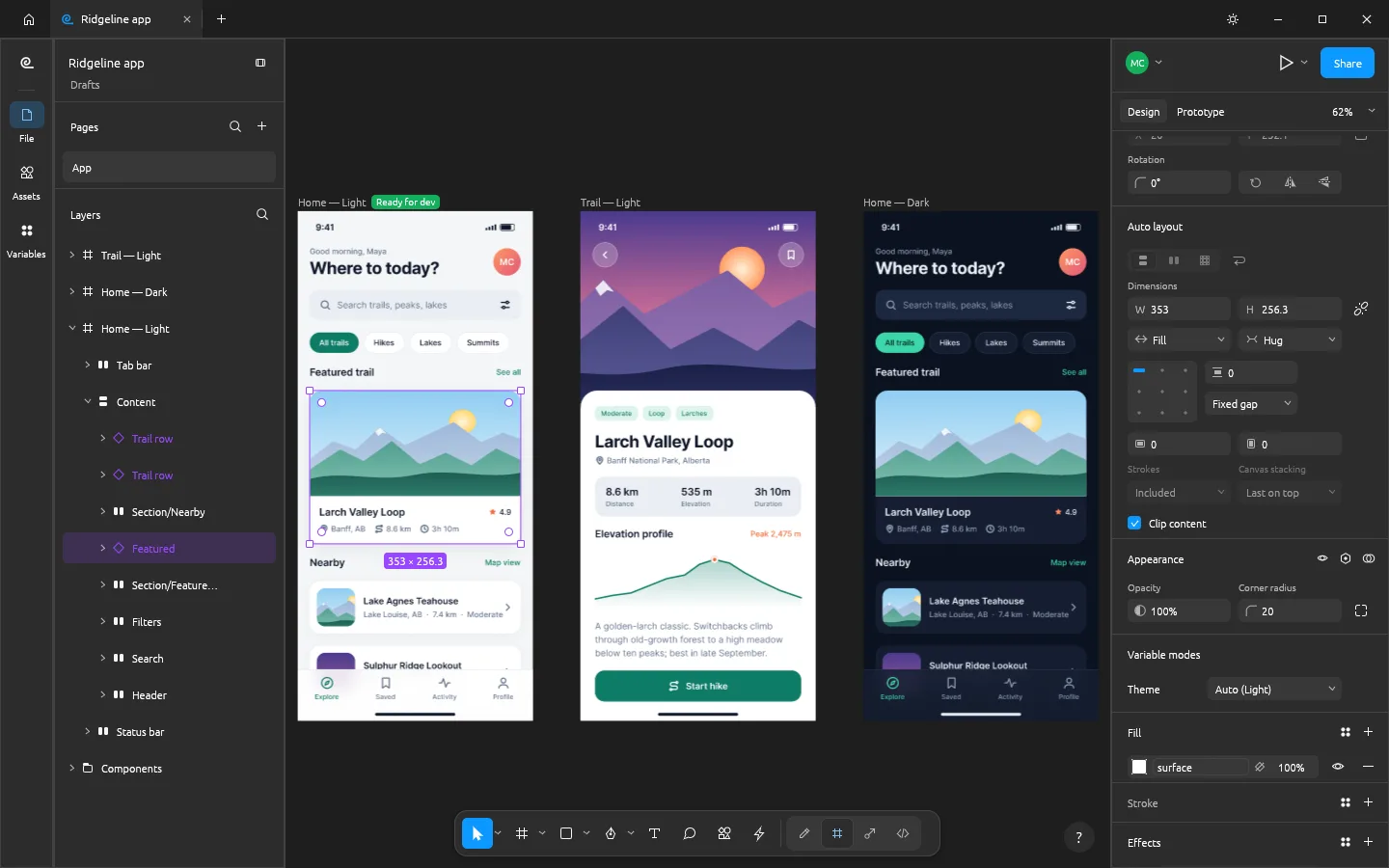
  • FigCraft
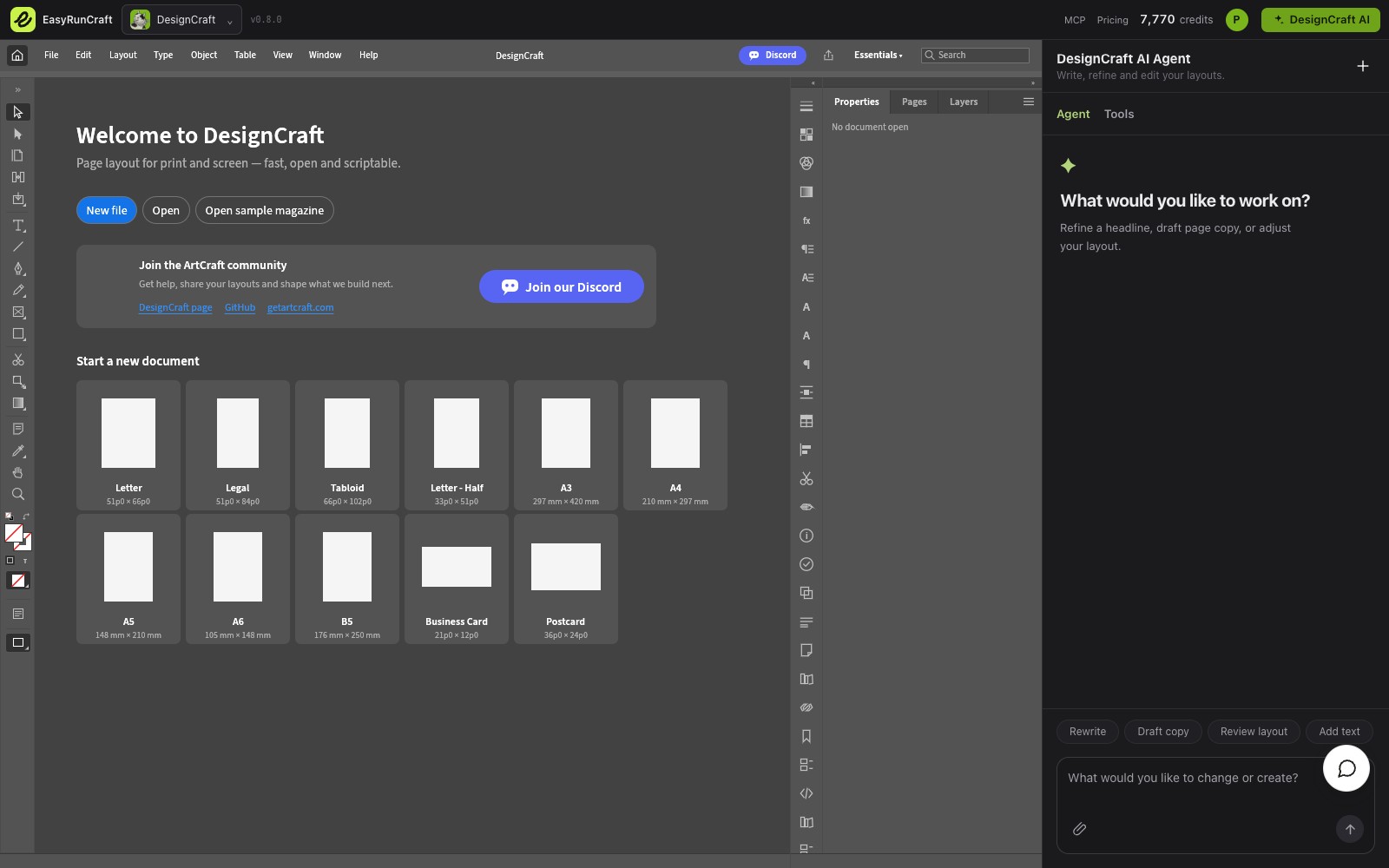
  • DesignCraft
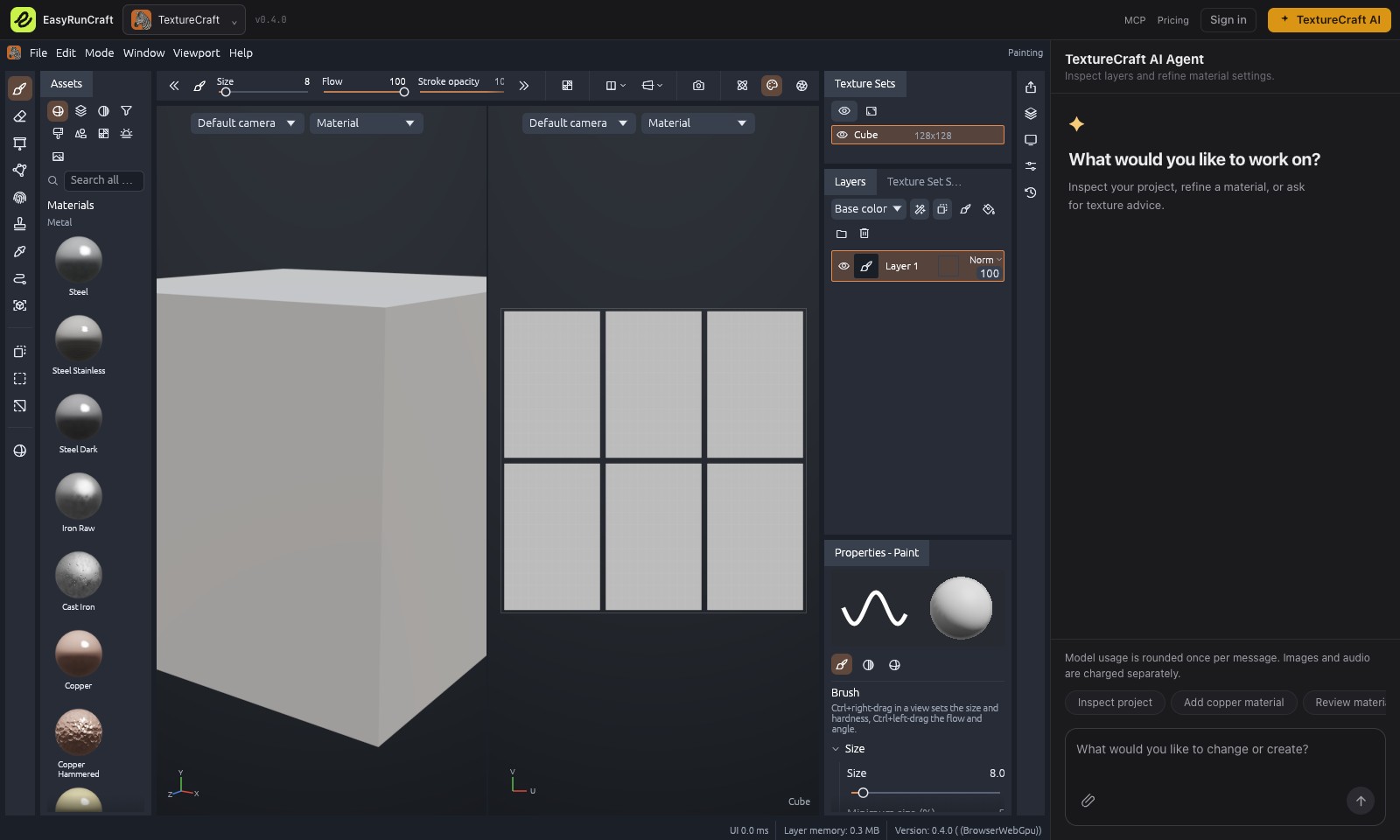
  • TextureCraft

Video & Audio

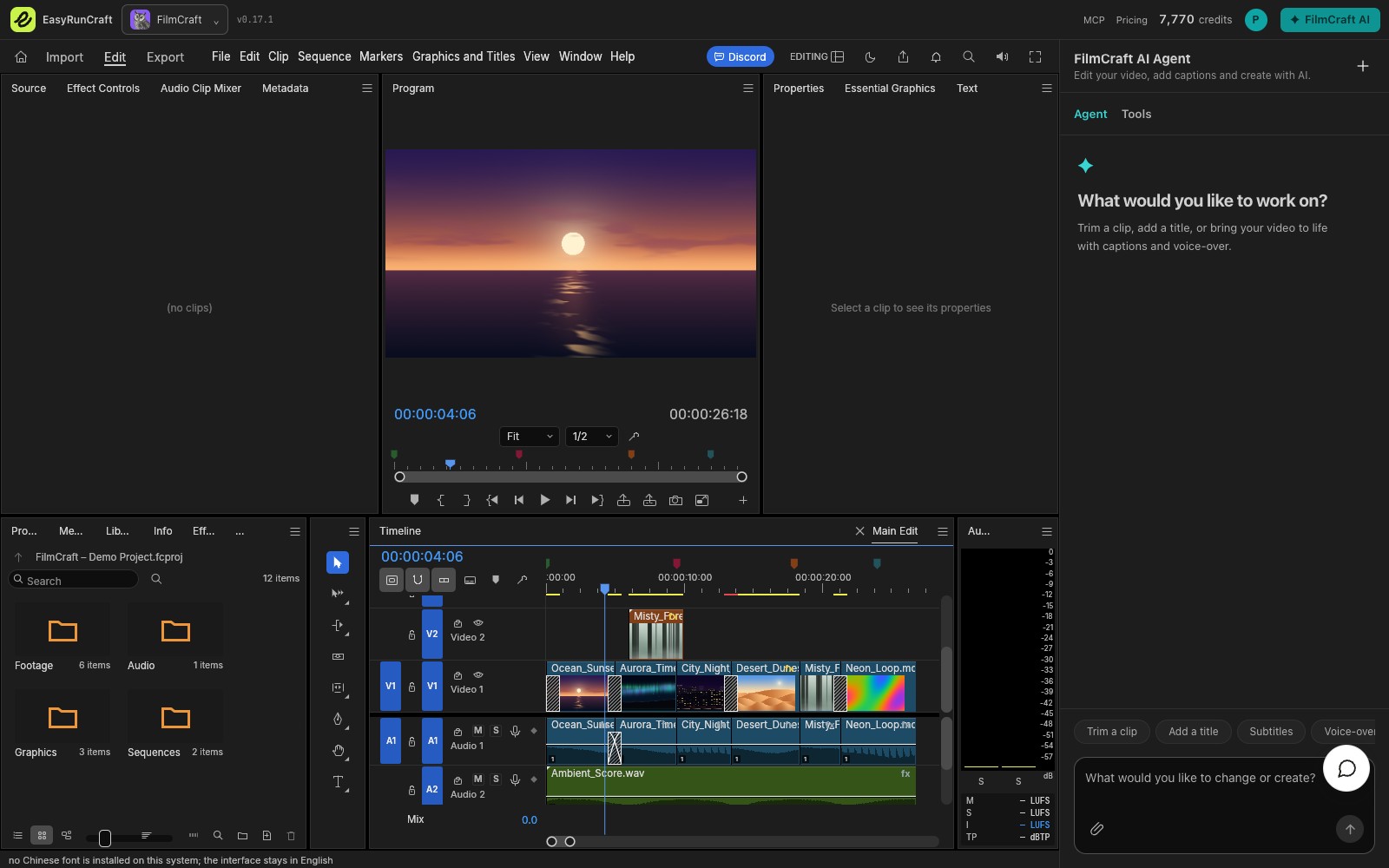
  • FilmCraft
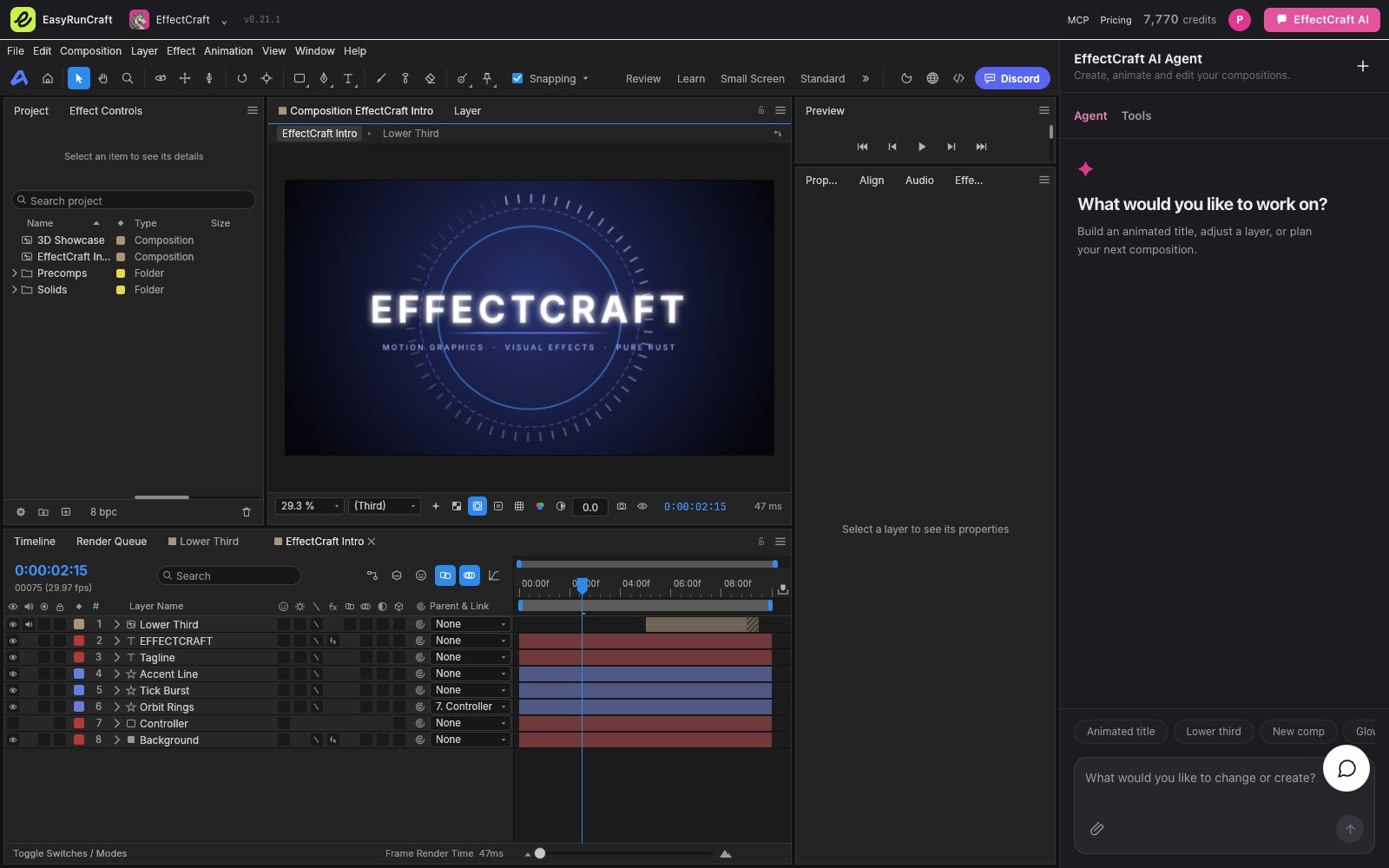
  • EffectCraft
  • SoundCraft

CAD

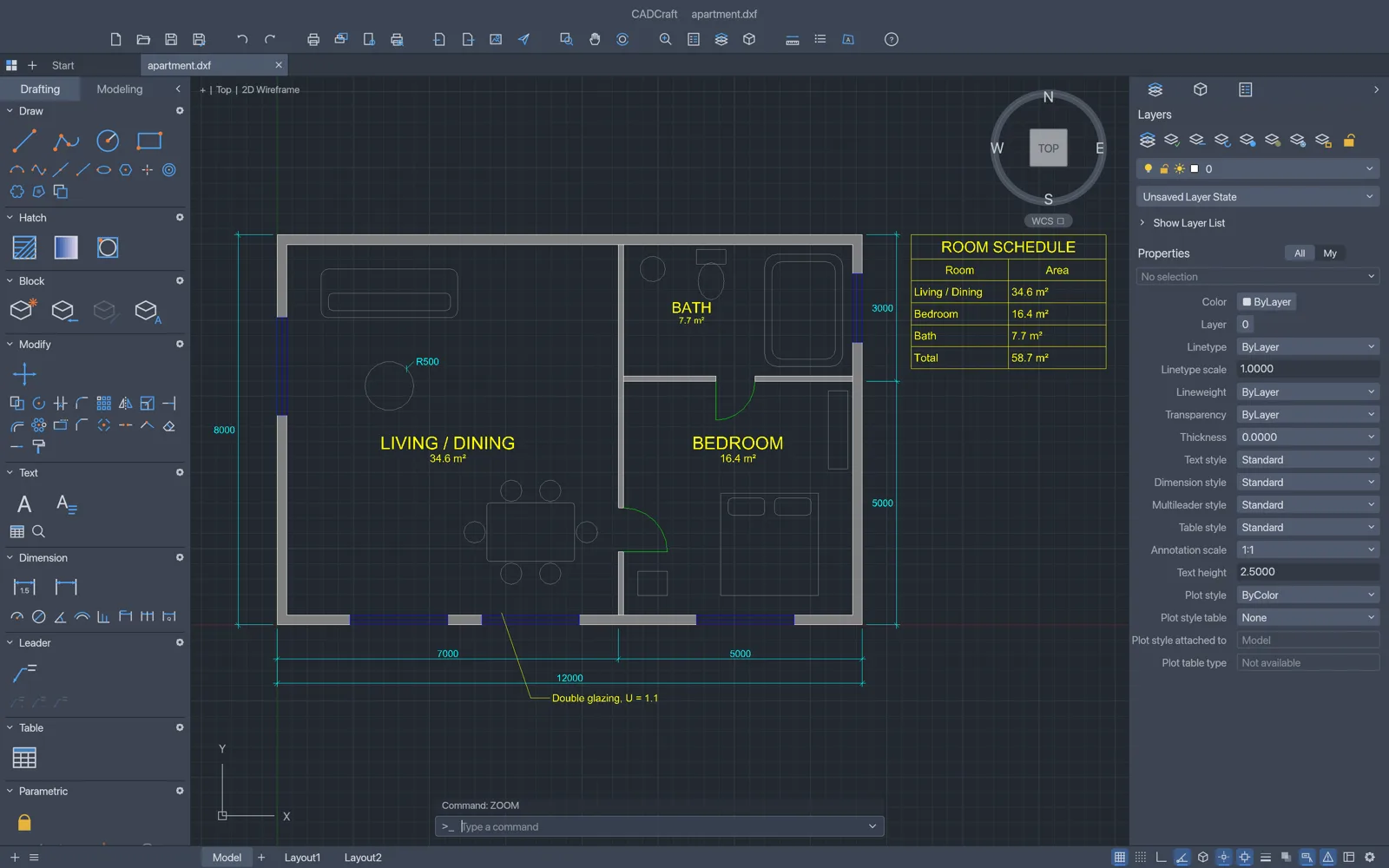
  • CADCraft

02

Make supported edits
with the built-in AI agent

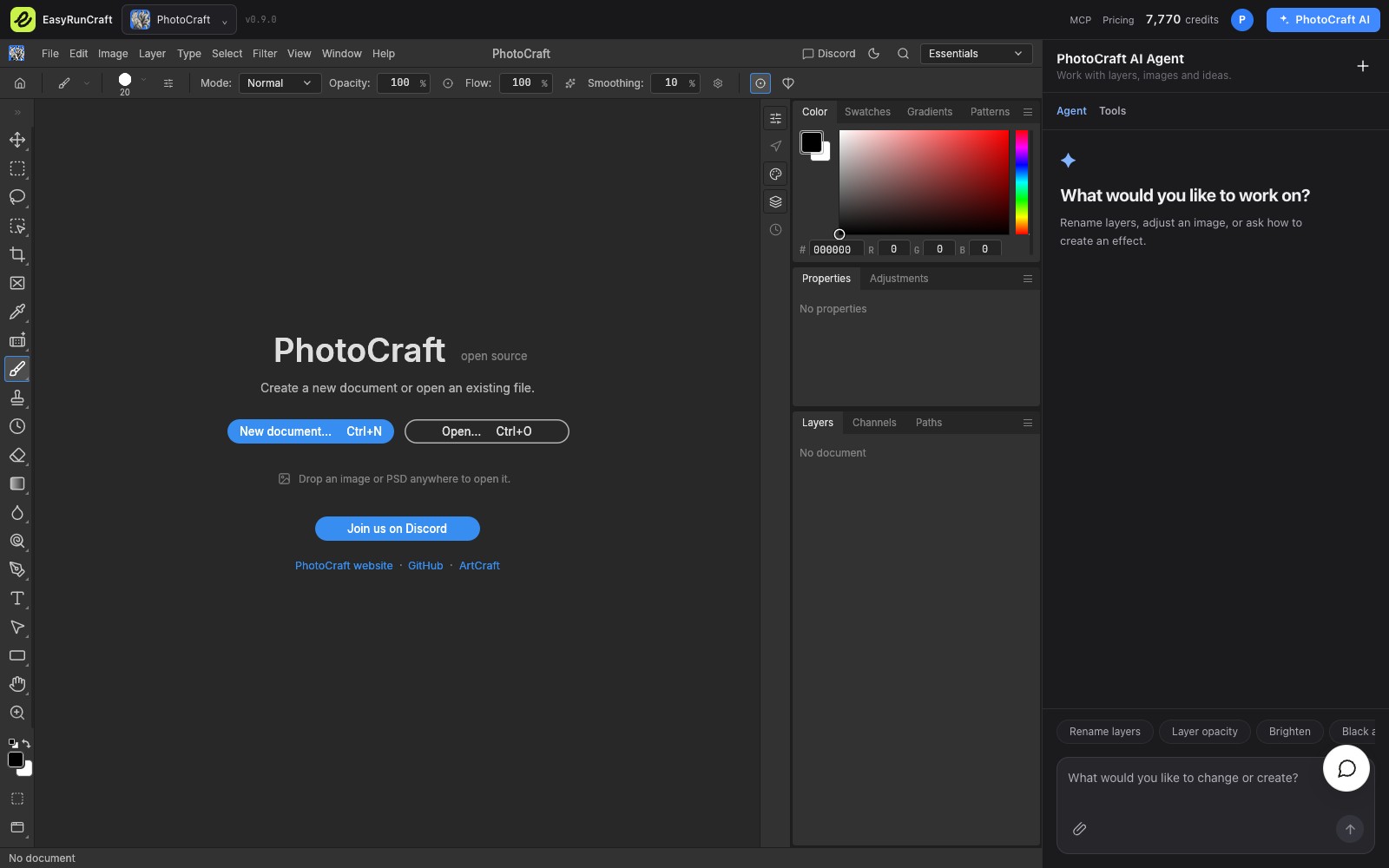
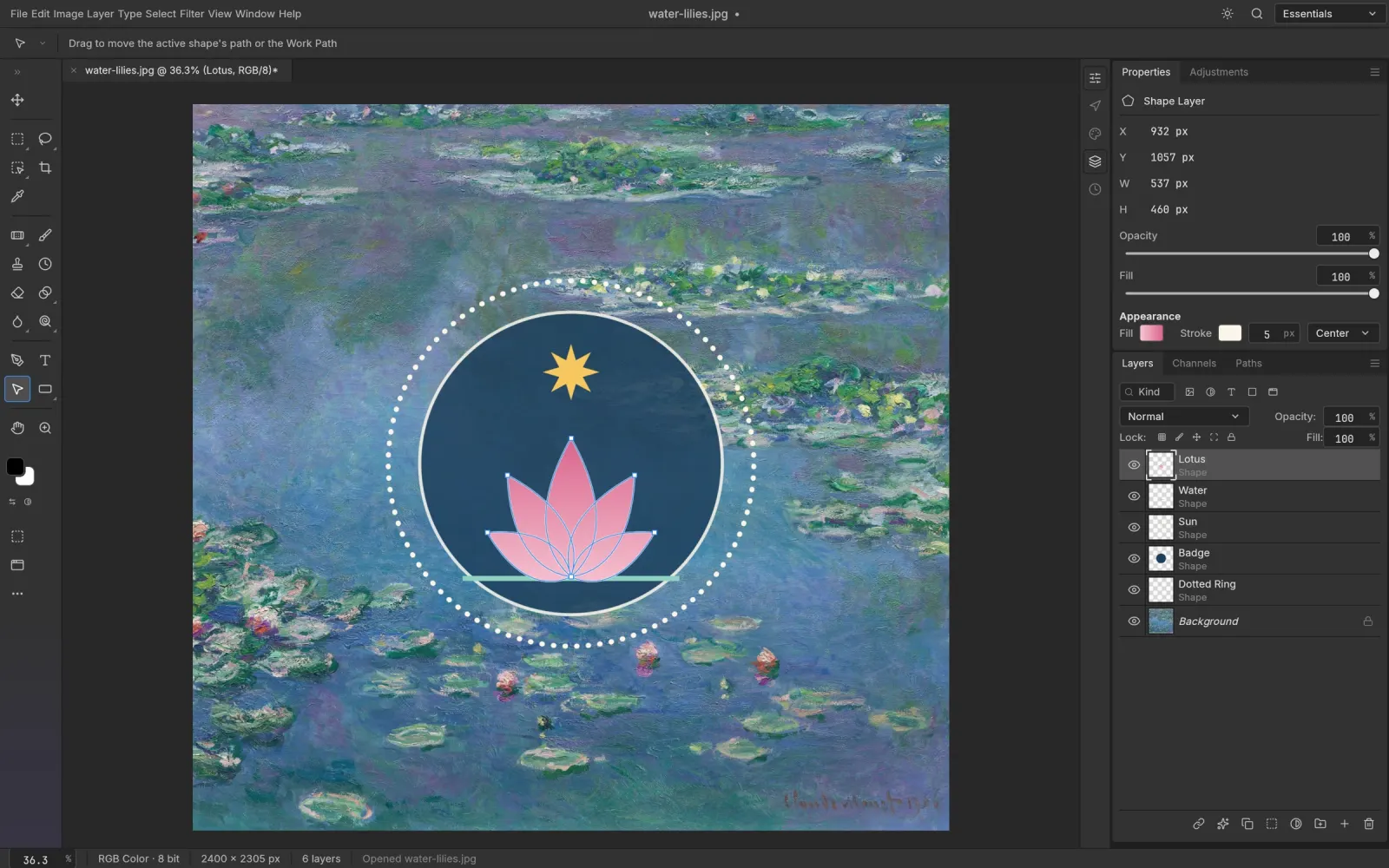
Describe a supported change in the editor’s AI panel. The built-in agent can revise document text, update spreadsheets and adjust image layers. Review the result and use native undo when needed.
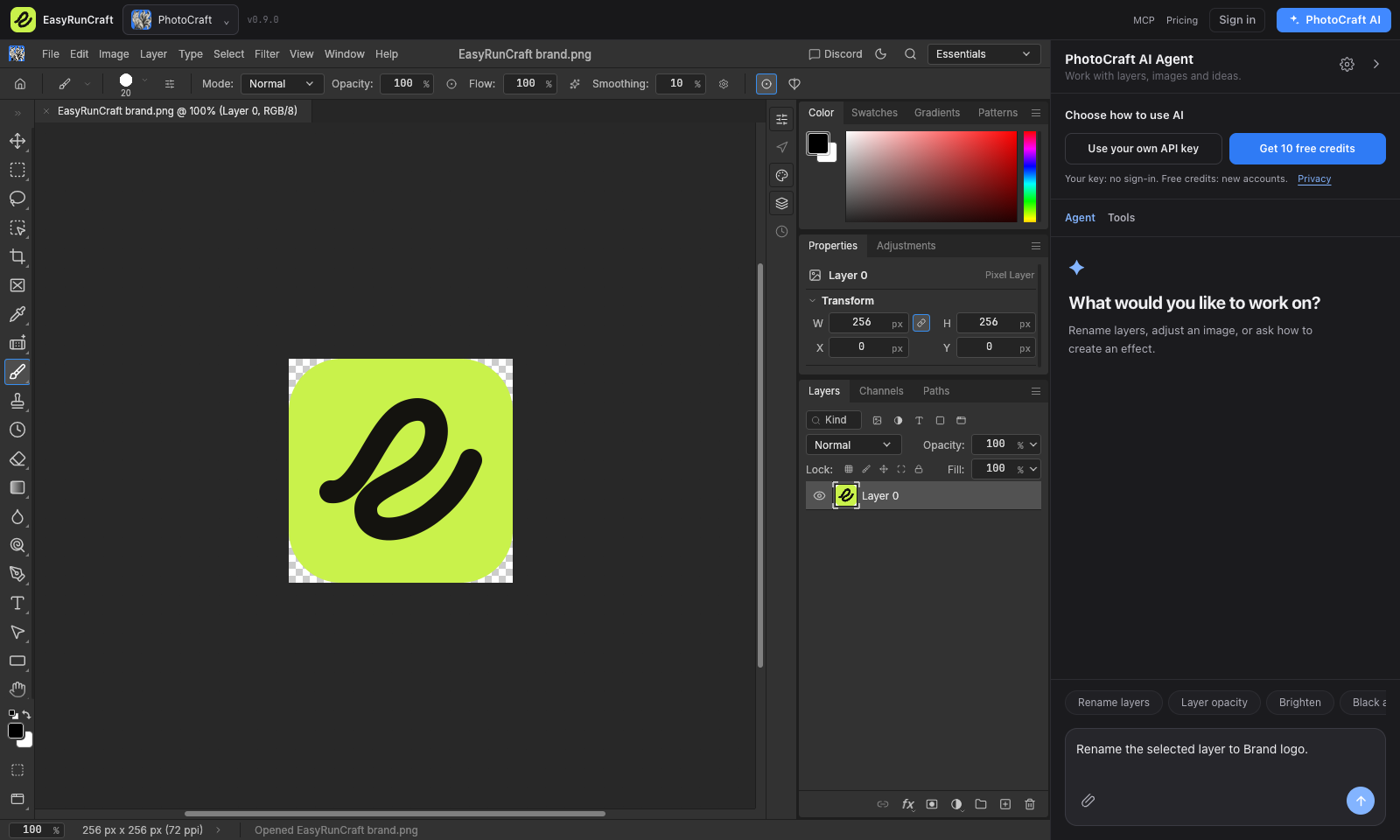
PhotoCraft editing an EasyRunCraft logo image with the built-in AI Agent and a layer-renaming request beside it

03

Connect your AI agent
to EasyRunCraft

Connect Codex, Claude Code or another compatible client to EasyRunCraft MCP. Your agent can inspect supported files, apply changes and return edited copies for you to download.
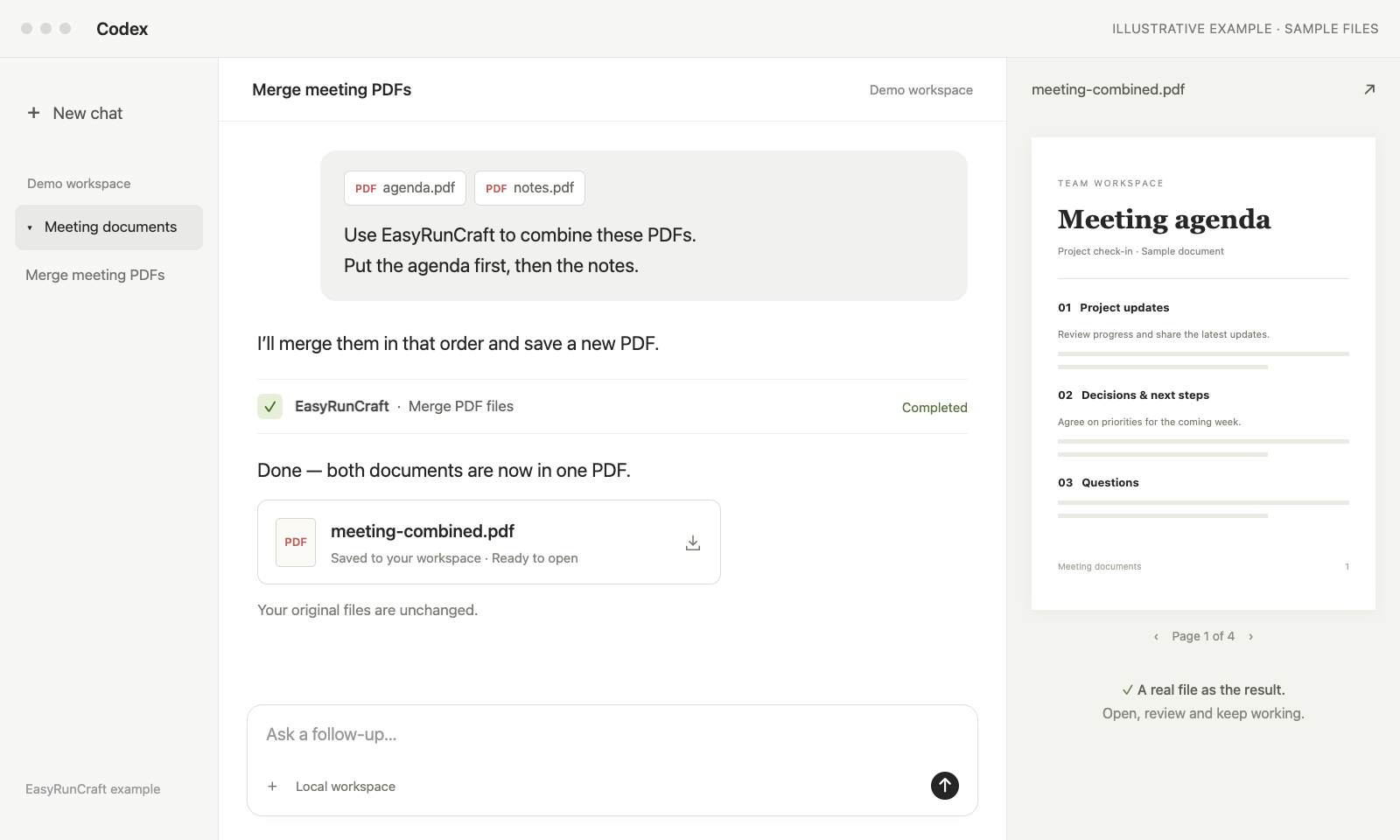
Illustrative Codex conversation: a user asks EasyRunCraft to merge agenda.pdf and notes.pdf, and receives meeting-combined.pdf beside the chat

Office, design and media

Explore the EasyRunCraft office suite

Choose an EasyRunCraft application for your document, spreadsheet, PDF or creative project. Work in the browser or use supported tools through your AI agent and MCP, with one account and a shared credit balance.

Free manual editing Agent-ready

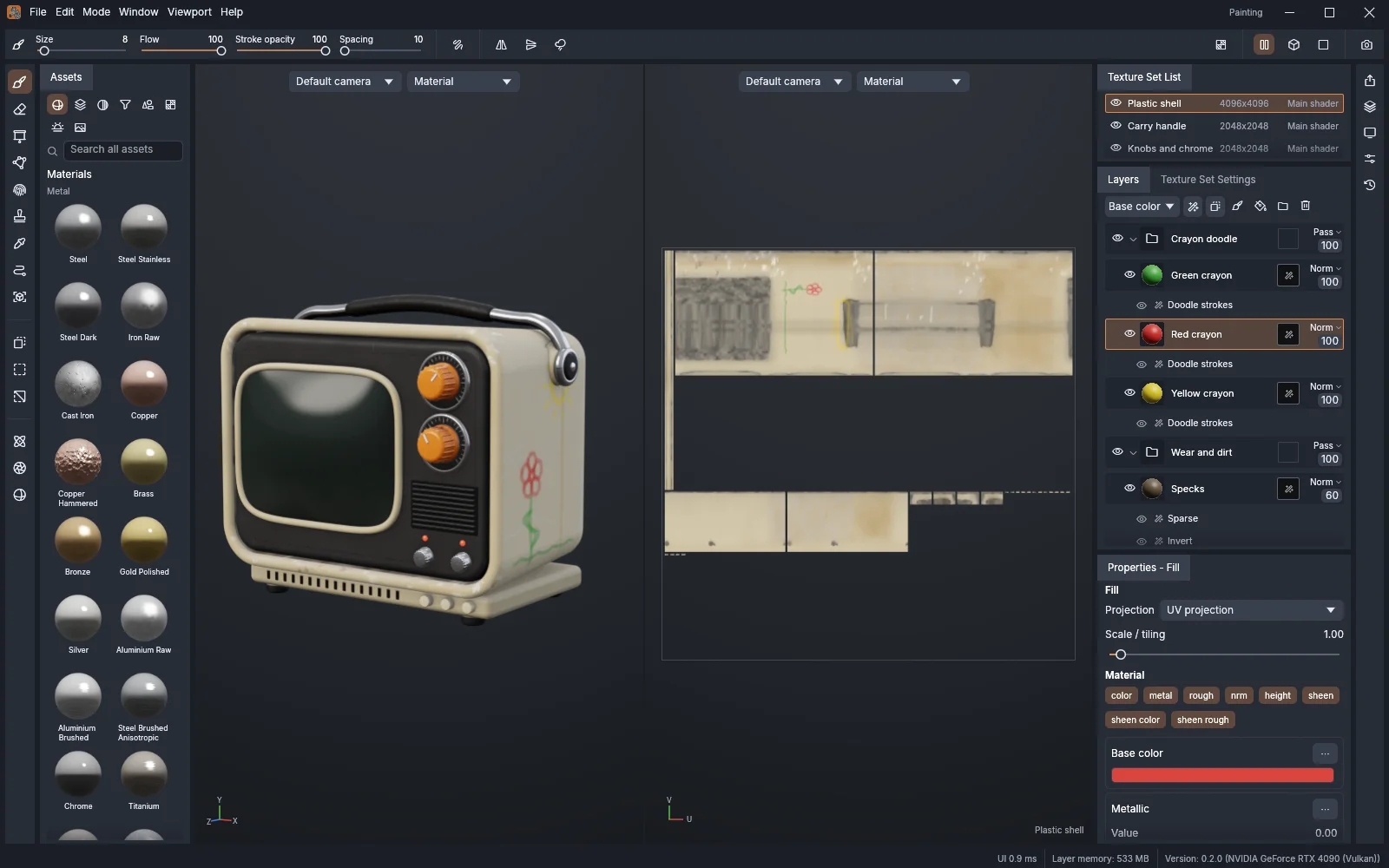
013D texture painting

TextureCraft

Paint 3D models with PBR materials, layers and masks. Save projects and export textures.

02Photo & PSD editor

PhotoCraft

Edit layered photos with masks, adjustments, type and PSD files.

04Vector illustration

VectorCraft

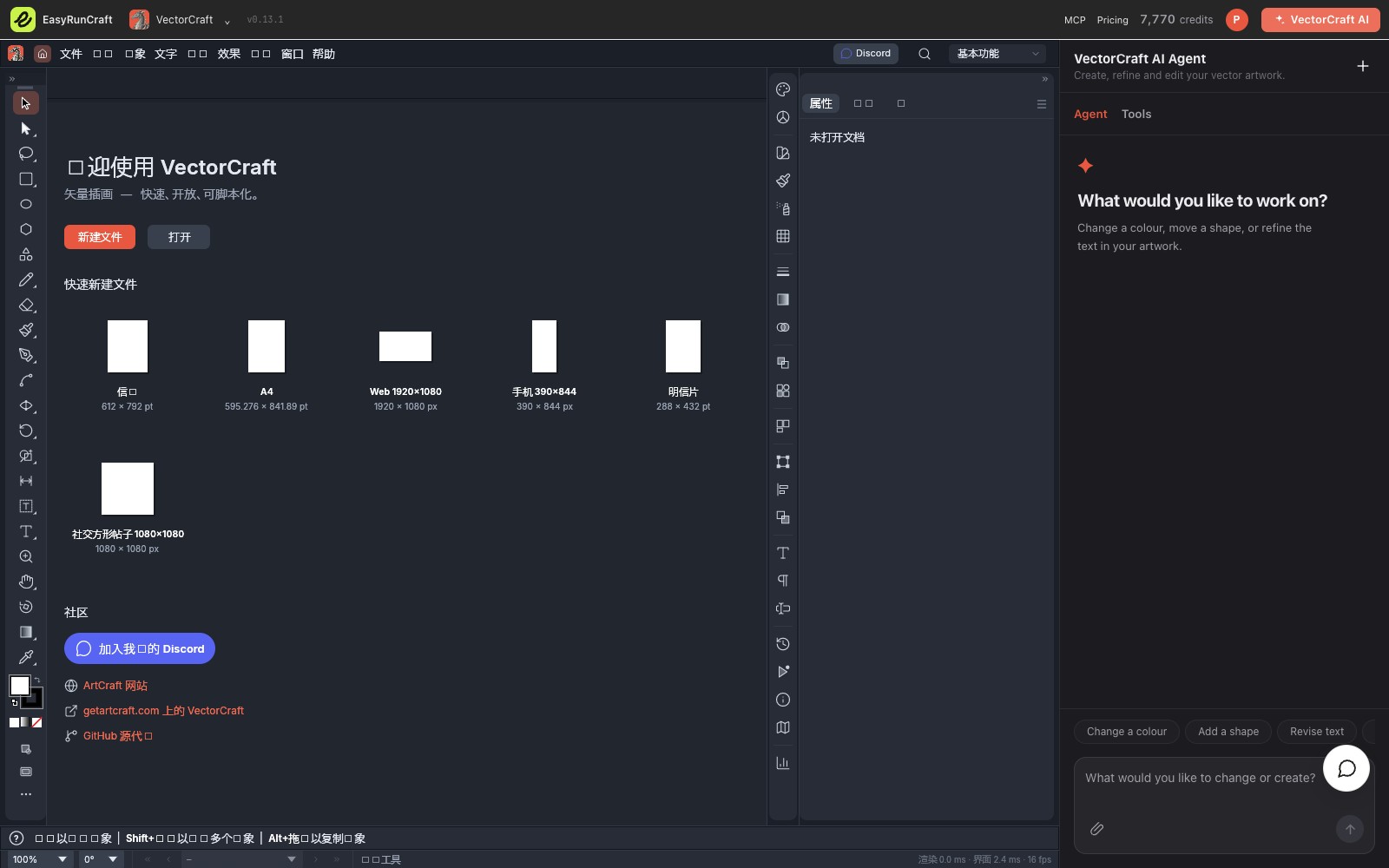
Draw paths and shapes, arrange artboards and work with SVG artwork.

05UI design & prototyping

FigCraft

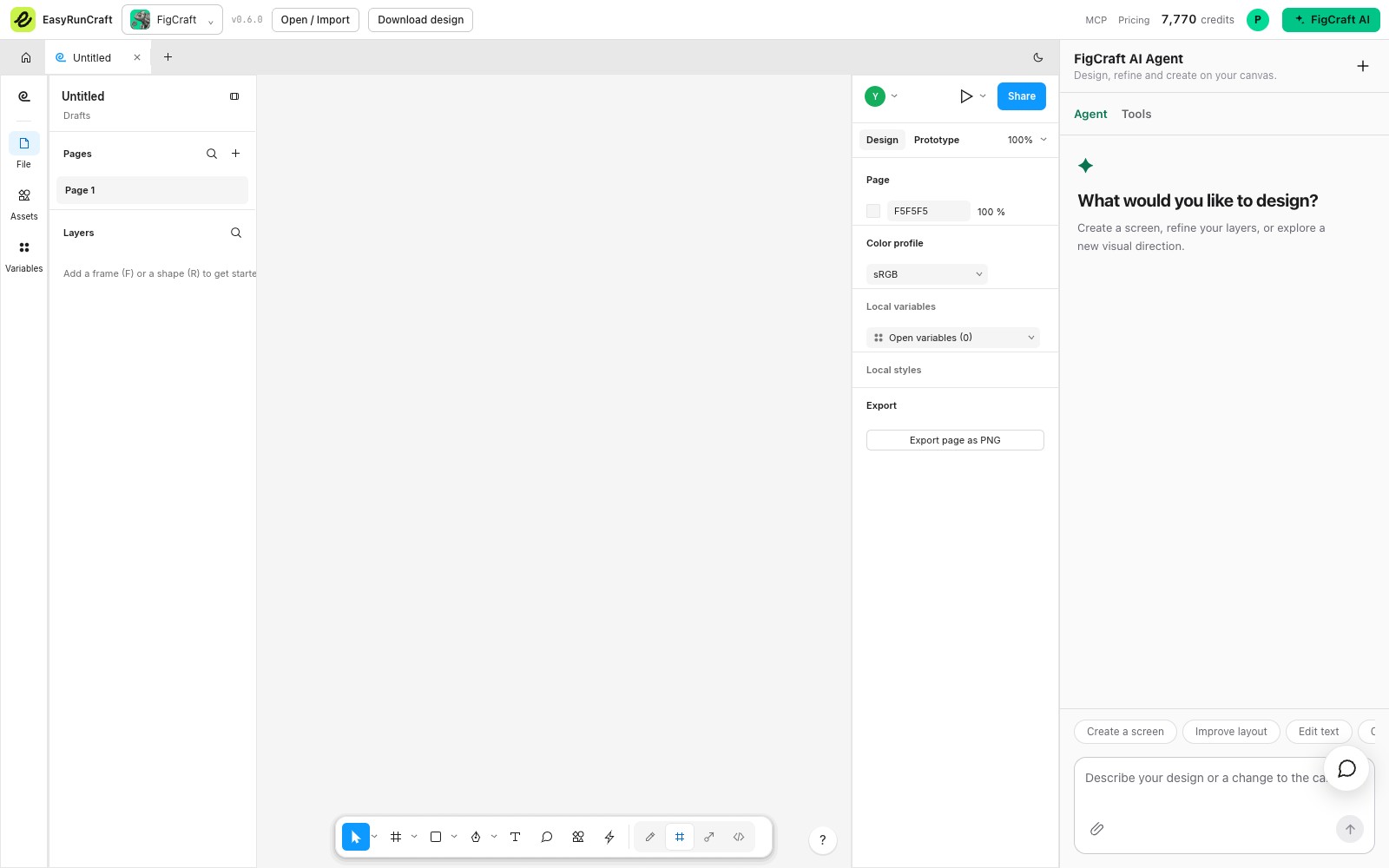
Build screens and prototypes. Download and reopen native .figcraft designs.

08Motion graphics

EffectCraft

Animate compositions with layers, keyframes, effects and video exports.

09Audio editing & mixing

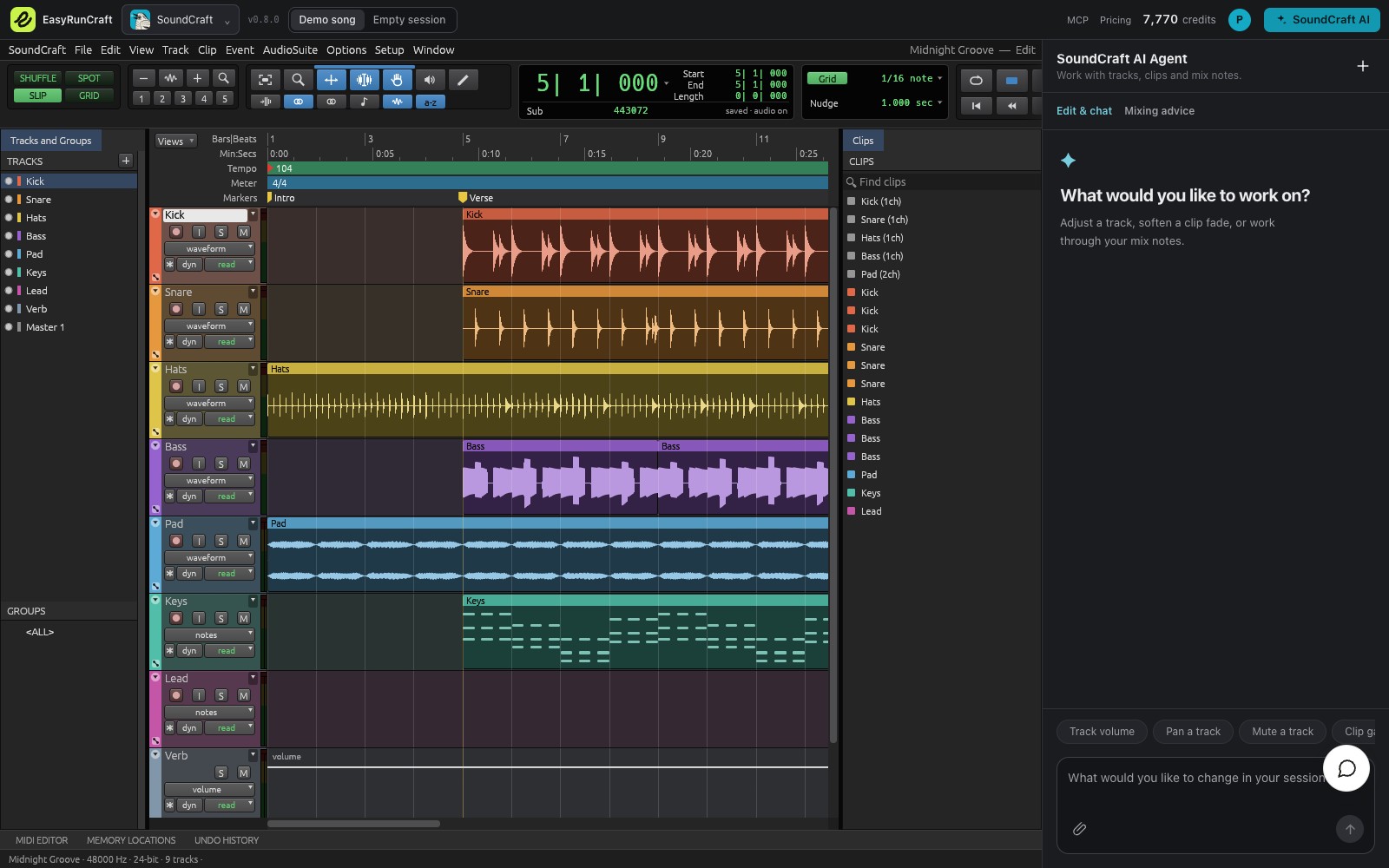
SoundCraft

Import audio or MIDI, edit tracks and save or bounce your mix.

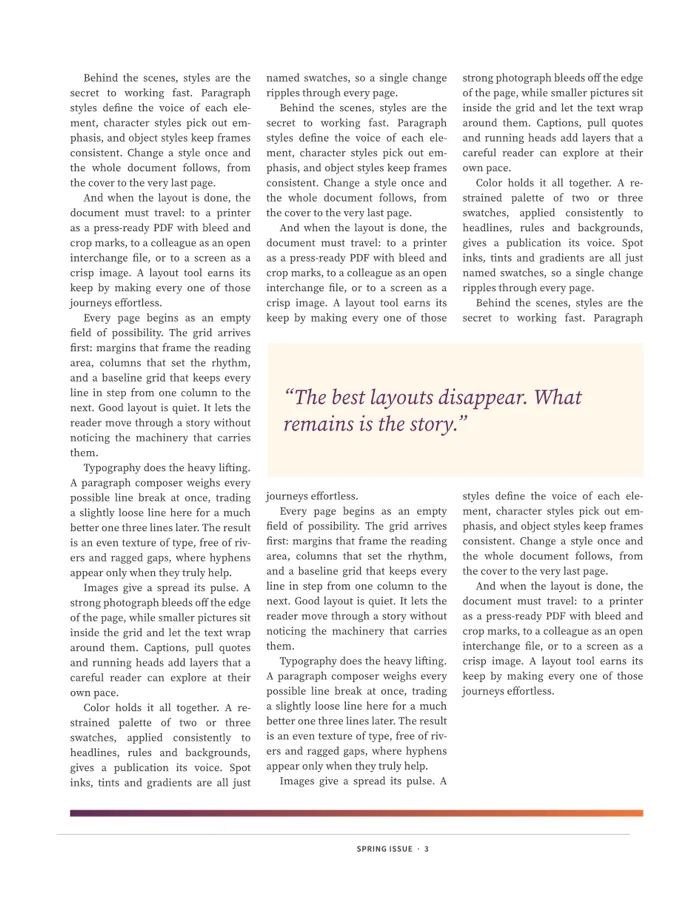
10Word documents

WordCraft

Open and edit documents with familiar writing and formatting tools.

142D CAD drawings

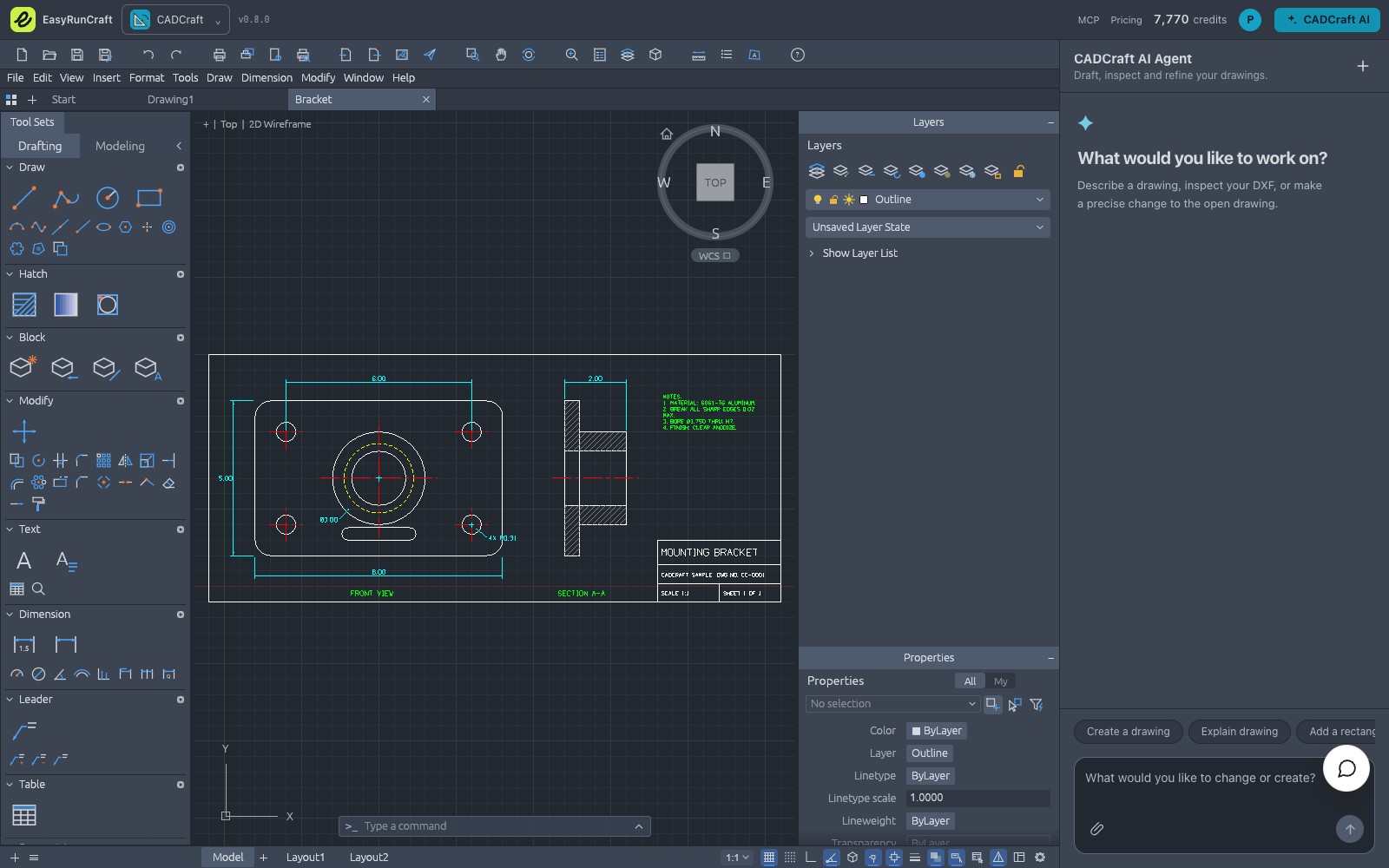
CADCraft

Draw with familiar CAD commands, layers and dimensions. Open and save DXF files.

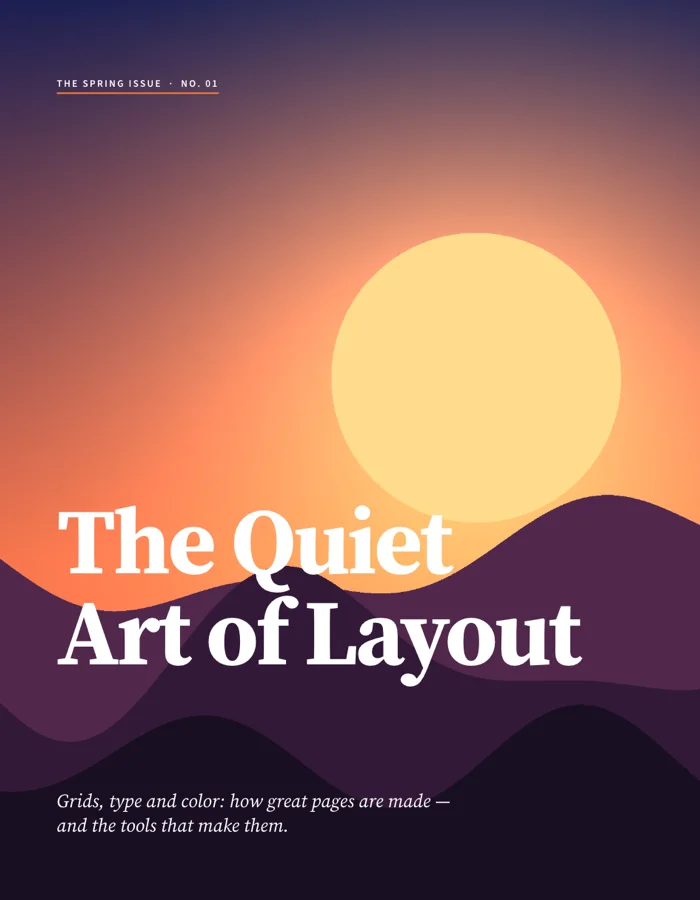
Made with Craft

A few ideas for your next project.

Open-source foundations

Free EasyRunCraft editors.
Open-source foundations.

All 14 editors are free to use. Create, edit, save and export files manually in your browser, without an account.

EasyRunCraft’s editors are based on ArtCraft’s open-source Crafting Apps. We’re grateful to the original creators and contributors who make these editing tools possible.

We bring them together with a shared account, built-in AI assistance and MCP access. AI and MCP processing use account credits; manual editing stays free.
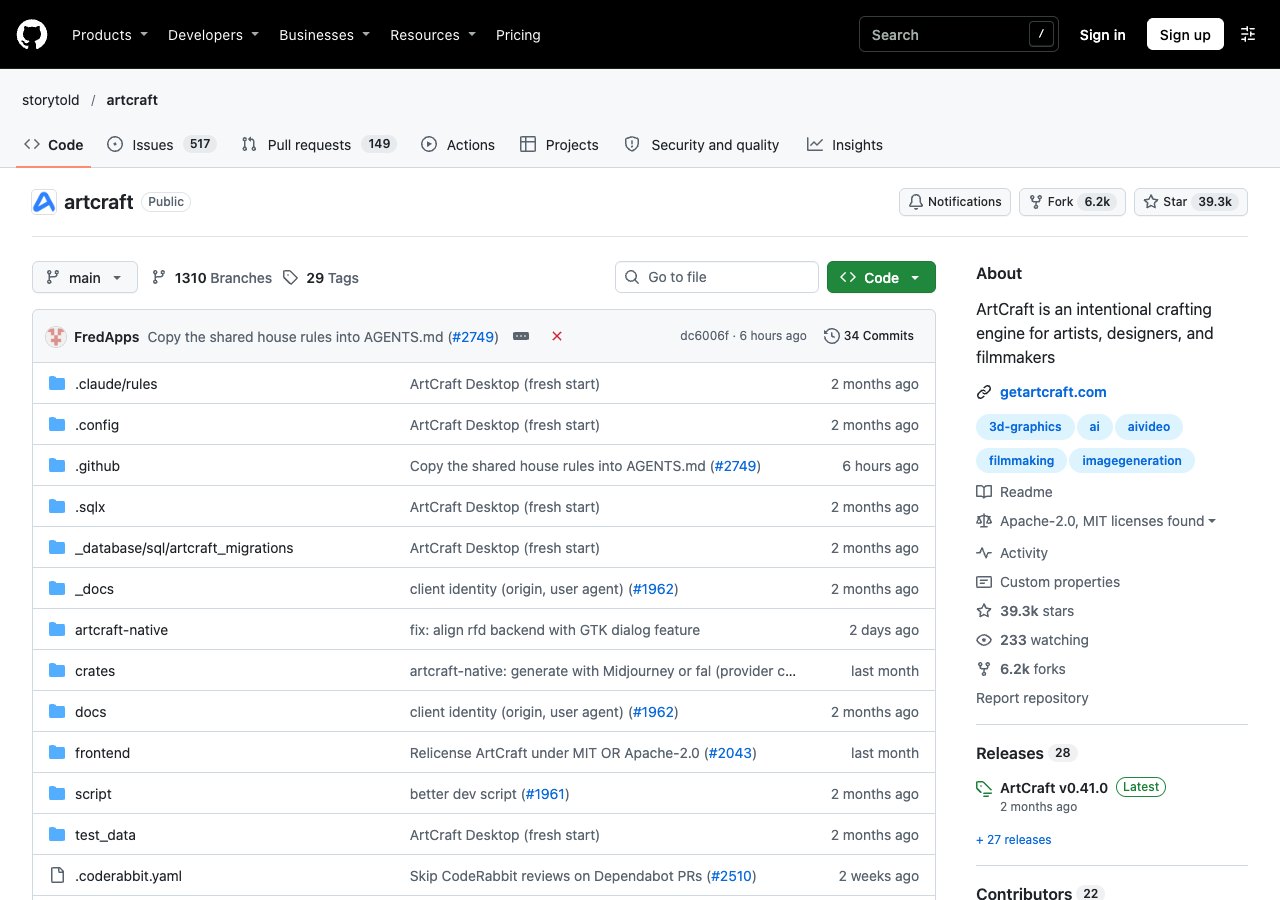
ArtCraft open-source project repository on GitHub
ArtCraft on GitHub.

EasyRunCraft FAQ

What is EasyRunCraft?

EasyRunCraft is an online office and creative suite for you and your AI agents. It brings 14 editors together for documents, spreadsheets, presentations, PDFs, images, design, 3D texture painting, video, audio and CAD, with direct browser editing and optional AI assistance.

Why should I use EasyRunCraft?

You can edit office and creative files in your browser for free, without installing software or creating an account. When you need help, the built-in AI Agent can apply supported changes directly in the editor for you to review. You can also connect your own AI agent to handle supported file tasks from the workflow you already use.

How can I use EasyRunCraft?

Homepage: Choose a task type, add a file and send your request. After an access check, the matching Craft editor opens your file and starts the AI task.
Editor: Open an editor in your browser to create, edit, save and export files manually for free.
Built-in AI Agent: Sign in and describe a supported change in the editor’s AI panel, then review the result.
Your own AI agent: Connect an agent such as Codex or Claude Code through MCP to process supported files and return edited copies. AI and MCP processing use account credits.

Which tools are included in EasyRunCraft?

EasyRunCraft includes WordCraft, GridCraft, DeckCraft, PdfCraft, PhotoCraft, LightCraft, VectorCraft, FigCraft, DesignCraft, TextureCraft, FilmCraft, EffectCraft, SoundCraft and CADCraft. Together, these 14 editors cover office documents, images and design, 3D texture painting, video and audio, and 2D CAD.

Do I need an EasyRunCraft account?

You can edit, save and export files manually without an account. Sign in when you want to use built-in AI assistance or manage credits. One EasyRunCraft account and credit balance work across all the editors.

Is EasyRunCraft free to use?

Manual browser editing, saving and exporting are free. Optional AI features and agent processing use account credits, and new accounts receive welcome credits to get started. See pricing for plans and credit details.

Can I connect my own AI agent through MCP?

Yes. EasyRunCraft supports Codex, Claude Code and compatible MCP clients for supported file tasks. Your agent works on uploaded file copies and returns results for you to download. Visit the MCP page for connection instructions, supported operations and its dedicated FAQ.

Where are my files processed and stored?

Manual editing runs in your browser. AI features send the context or file copies needed for processing to our servers or AI providers, depending on the feature. Download and keep your completed files on your device. Our privacy policy explains how data is handled.

Is EasyRunCraft open source?

EasyRunCraft combines open-source editors with additional online services. The editors are based on ArtCraft’s open-source Crafting Apps projects, and you can use them here to create, edit, save and export files manually for free. Built-in AI Agent and MCP processing are paid services that use account credits; new accounts receive welcome credits to try them. See About for the original projects and licenses, and pricing for AI and MCP costs.

Your next project starts here.

Start editing for free